10/30/25
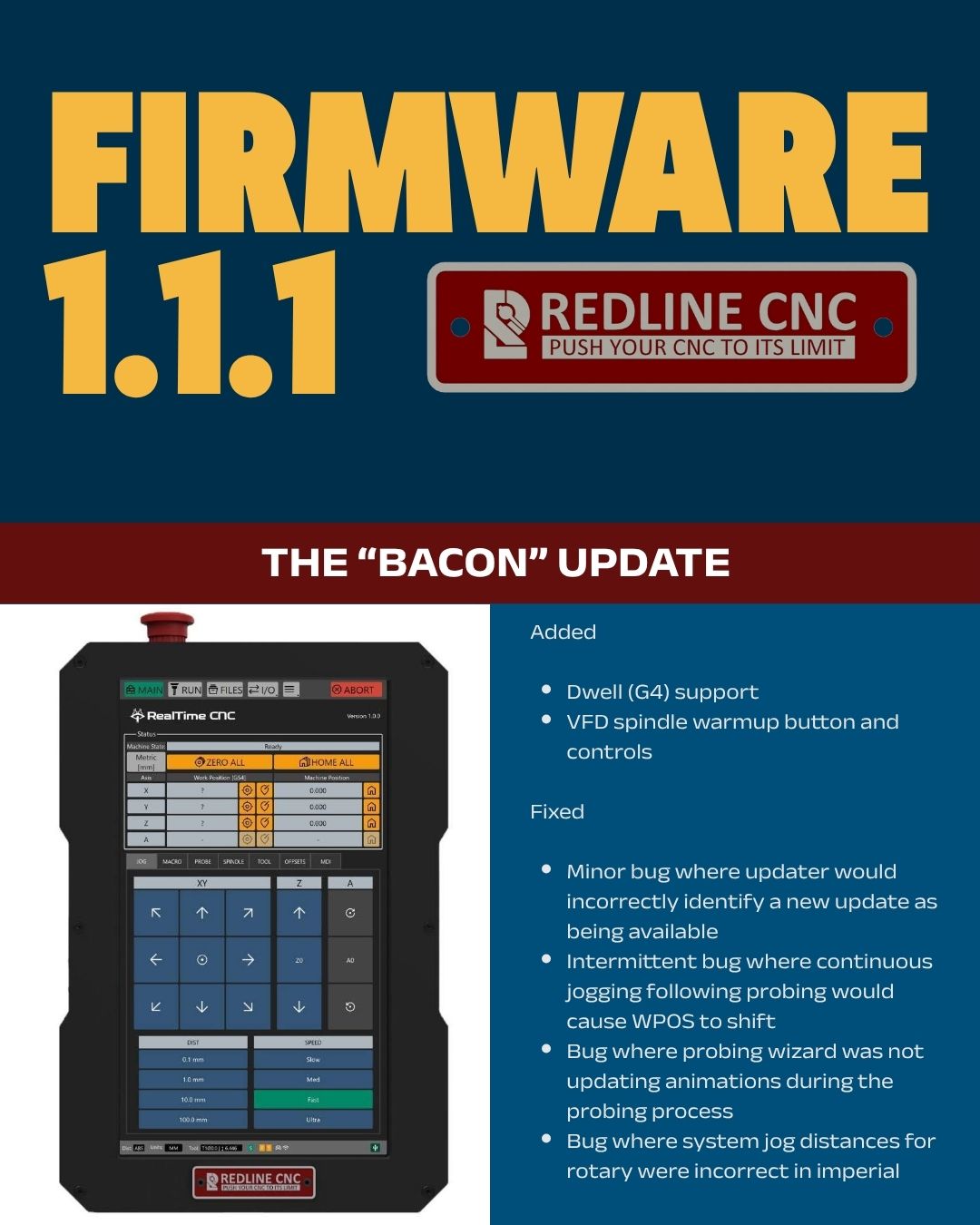
Redline Controller Firmware 1.1.1
USB disconnected from back of screen to RTX motion controller?
No machine was working just fine till I updated.
Try rebooting and triple check your cable.
Reboot fixed it. Thank you! Didnt want to reboot it and it cause me not to be able to boot it again
Great! Glad a reboot fixed it! Have fun with your ‘bacon’ button 
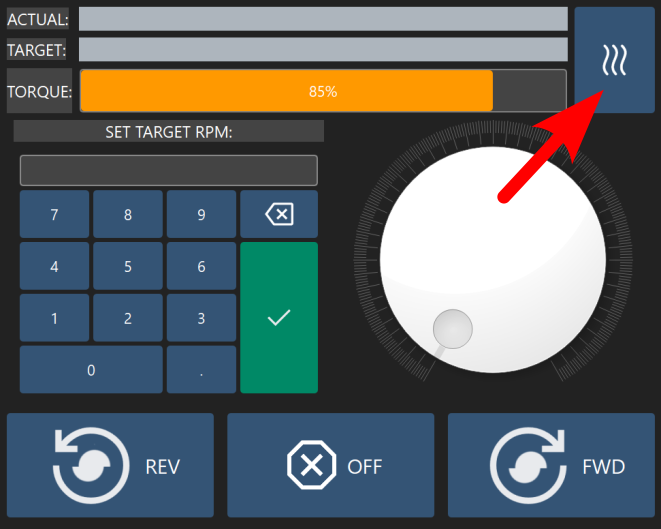
please explain the “bacon” button.
Click the download button, it explains it on the download page.
That is a awesome QoL upgrade. Bacon button is awesome
I wanted to share my experience with the update, it might help others.
I first tried to run the update via the network, it began the download, but would just hang. I then got a USB stick and tried it manually.
It would detect an update, I would select to proceed, it would download 21%, the Z stepper motor would click, then the system froze. I powercycled everything, VFD, Controller, this included removal of the power cables and letting it sit for 30 seconds.
After this step, when I went to update I had a completely different experience. It opened a window that I didn’t have before, with usb in the top window, and the file in the bottom. Basically a file system window. I selected the update and it downloaded. Went through some steps and said click close to apply. I did so, it rebooted and went through the upgrade.
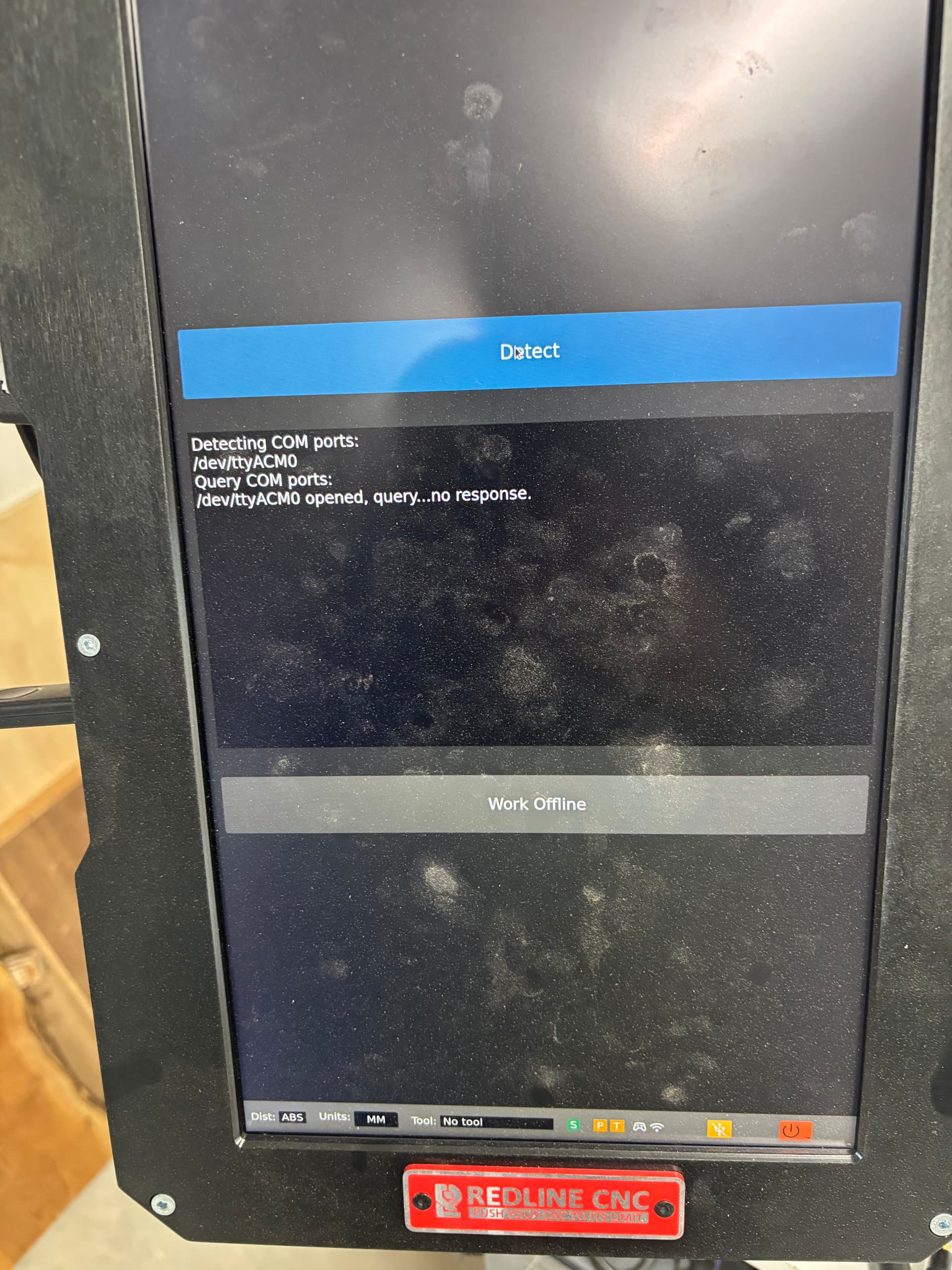
It then said there was a COM error, which gave me the option to detect on top, or to cancel on the bottom. I selected detect, and everything came back online.
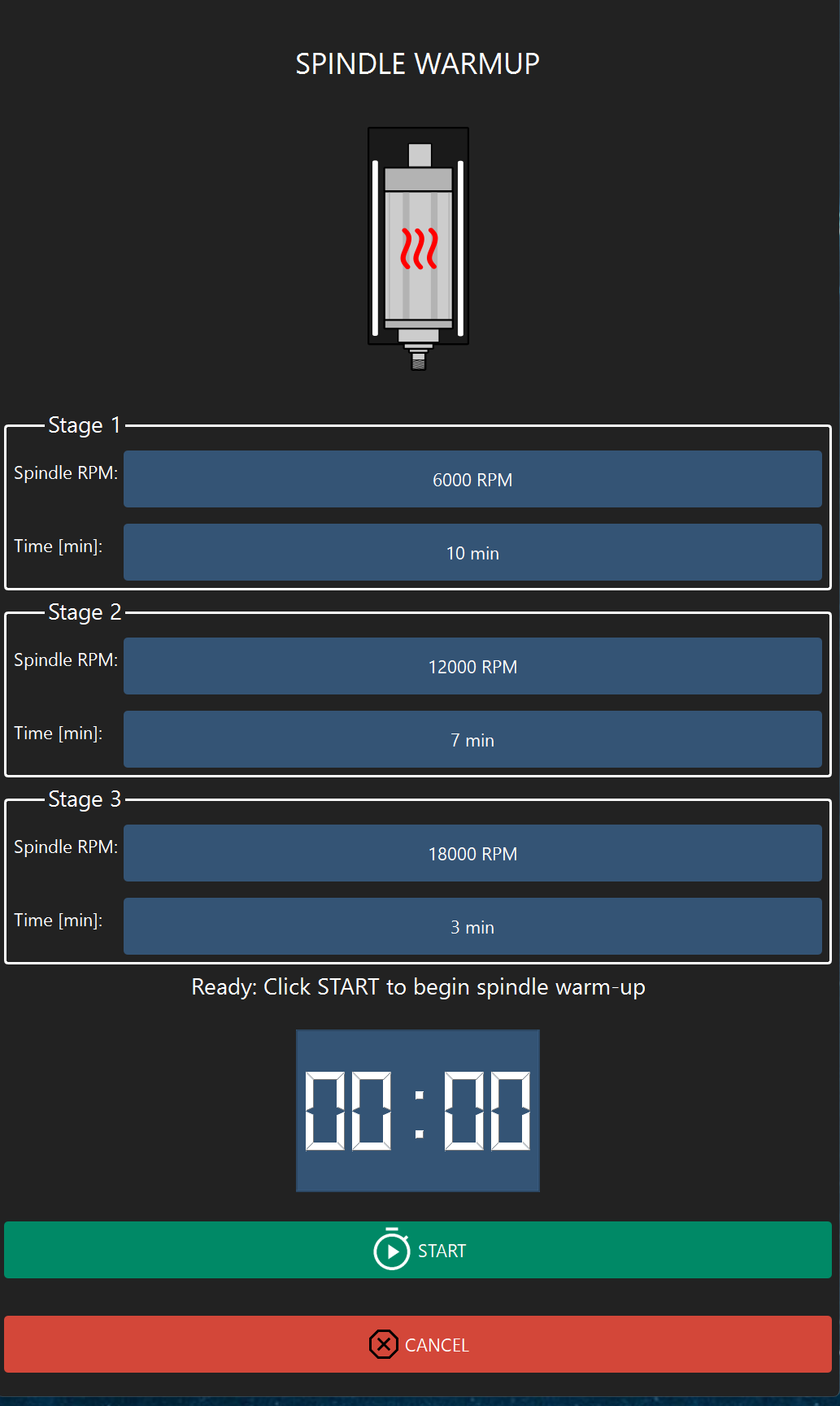
I rebooted for safe measure, and ran the warm up routine just to make sure. Not sure why I didn’t see the file system window on my first attempts, but the complete system shutdown resolved that. Hope this helps anyone who might experience any issues.
Just updated to 1.1.1 with no problems using Ethernet.
Updated this morning using external WiFi with no problems.
I also updated today through my LAN successfully 
Attempted to run update, but it seemed to freeze. Left it overnight to see if it would finish, but nothing. Rebooted the machine and now it won’t boot. Getting the following error - 1.220463] USB 3-1: device not accepting address 2, error -71. Subsequent reboots do not seem to do anything.
Have you got a USB plugged into the machine because it sounds like its looking to the USB for a boot drive
Remove it and try restarting
I was able to work with support and ended up re-flashing the SD card to get back up and running. After re-flash, the update ran as expected!
I kicked mine off after lunch (3 or 4 hrs ago). It started the download then seemed to just sit there but there’s a progress bar on the bottom of the screen. The download progress is only at 59% now. I’m using the wifi connection. I have a 1GB internet connection. Whatever is inside the HMI is obviously not taking advantage of my bandwidth. I’d recommend downloading it on a PC to a USB drive and do the update from there and not use the wifi download/update option.
I’d kill the update now and use a USB drive but I’m afraid doing that might break something so I’ll just wait it out. Next time though I’ll definitely use the USB option.
If it doesn’t download in about 3 mins, the wifi signal isn’t strong enough and needs to be done via usb.
If your wifi signal is week:
My Gigabit router is 12ft away. If that’s not good enough, the antenna in the HMI is trash. It sees & connects to the network easily and downloaded 59% of the firmware file. I don’t want to add an external USB antenna because then there’s no USB port for my USB drive to transfer files (at least until I figure out how to get remote operations working). The other USB port has the dongle for my Xbox controller.
I killed it by powering the HMI off - the touch screen was unresponsive and stuck at 59% download. I downloaded it to a USB drive and updated via that. Took all of 5 minutes.
I did notice the parameters for the bacon button spindle warmup routine that the dwell parameters were different than the previously published one so I’m assuming these are the new recommended run times. Might be good to go back to the old post and update the parameters so the doc is consistent.