I do not know if you are open to answering a question about a toolpath in V-Carve. I am cutting sand blasted signs. I used a software called Enroute in the past, but now want to use V-Carve.
The material is Redwood. The letters are proud (uncut). The signs have a border (1/2" parameter), I want to “hog out” the area around the letters (about3/8" deep) from the letters out to the border.
How can I use V-Carve to do this?
Ofcourse I have pictures and drawings to fully explain this, bit new users can not upload anything so it makes asking a lot harder
Both were using VCarve Pro. VCarve Pro is better than most software for THIS application, because it allows you to adjust the spacing BETWEEN the letters very easily. This is important because you need to get a bit through there.
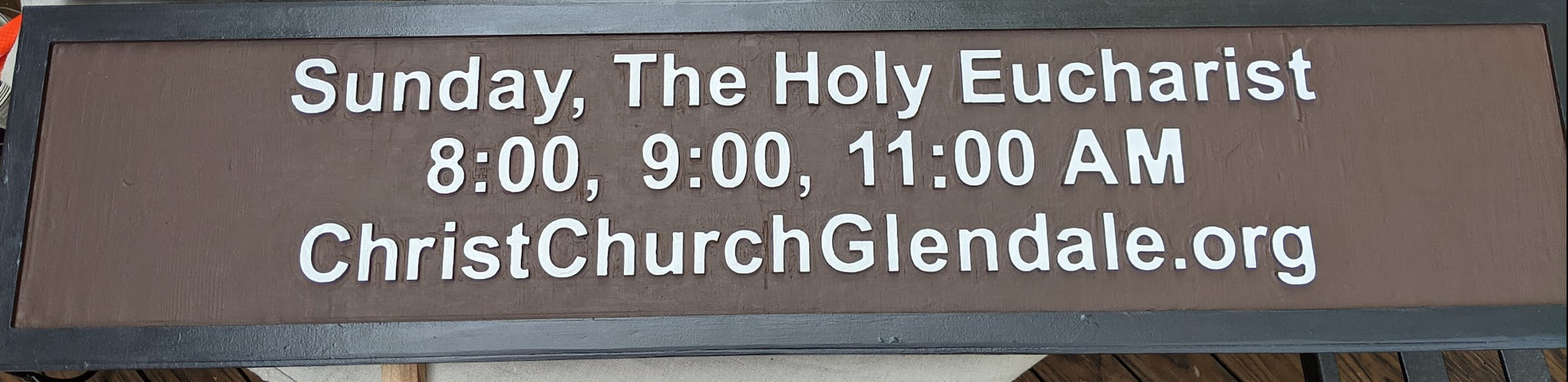
I really hope you have a Foreman AND a tool changer. The sign for church was done on a Journeyman so it needed to be tiled, oh and it is two sided. Add up the tool change and touch offs that was 4 per tile and two tile per side … so 16 changes and touch offs. Pain int the “fill in the blank”.
What you will also have to worry about it letter liberation …. as in it went flying across the room. The top sign had a liberated letter that got glued and air nailed back into place. Wood grain is funny that way. I think the sign is number 3, with 1 & 2 “having issues”. I believe these issues are why so many people use a plastic or composite material for signs.
Cutting out the letters first gave them the most support, then I simply went from big bits to small bits. This is where FreeCAD with it’s rest and adaptive toolpaths would have save a ton of time but letter spacing is critical.