Does anyone know how or if I can turn this photo into a relief so I can carve it? Is there somebody that can make this into a proper gray scale? I have tried a few different programs but cant get it to work right in Carvco.


Oh that is fantastic. Can you let me know how you did it? Maybe post a link to the software or anything that shows me hoe to do this?
JDog has a great collection of Carveco Youtube tutorials.
I am beta testing a new software that will be released on the 8th of Sep next Friday and will have more information to share then.
That’s great I will be watching for the info.
Thanks again for the help
That is cool that it can do .STL. I would be interested learning more about this software.
Thanks!
Leighton from Carveco has a video in YouTube specifically on V-carving photos in Carveco Maker as a relief. He explains the entire process quite clearly. If you have problems with it, their support group responds quickly.
Any of you see the James Dean Designs video from last Friday? Sounds very promising.
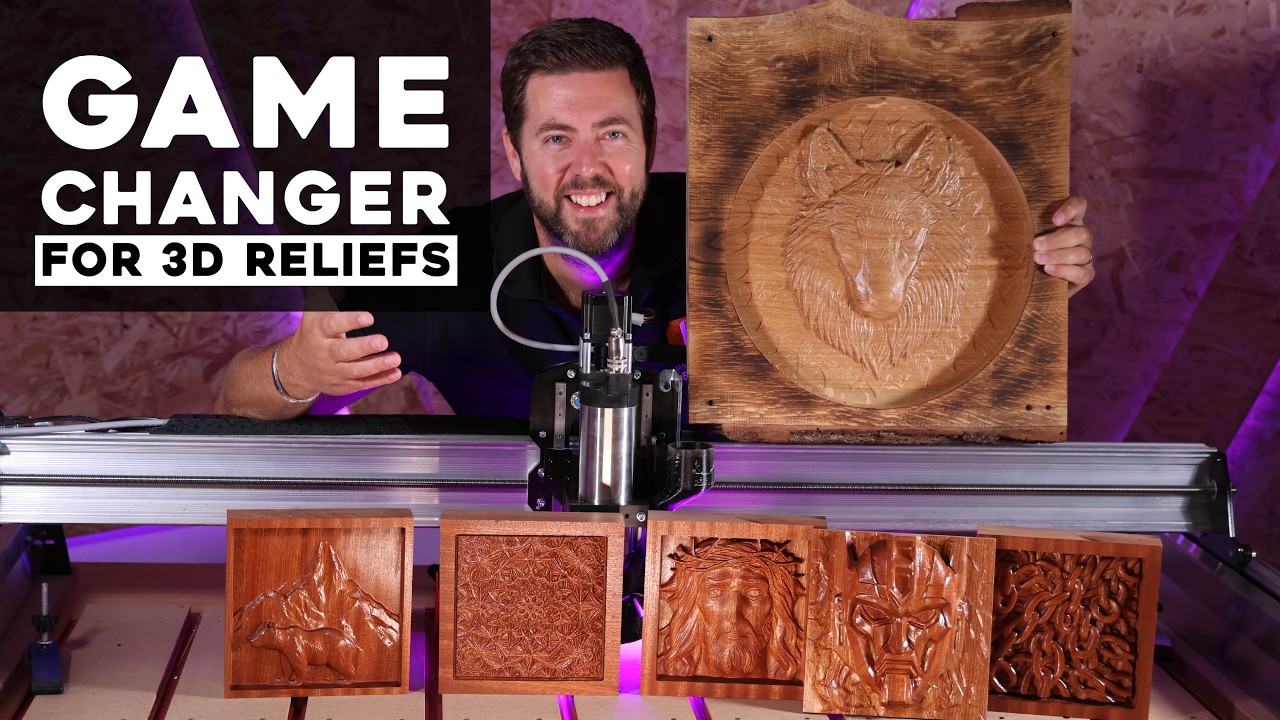
Good evening project. Monocular depth estimation + brightness and some filtering. You can use it for free here.

I’m playing around with this. Very nice. Do you know if there a way to smooth the edges out?
Could you describe what you mean by smoothing the edges out?
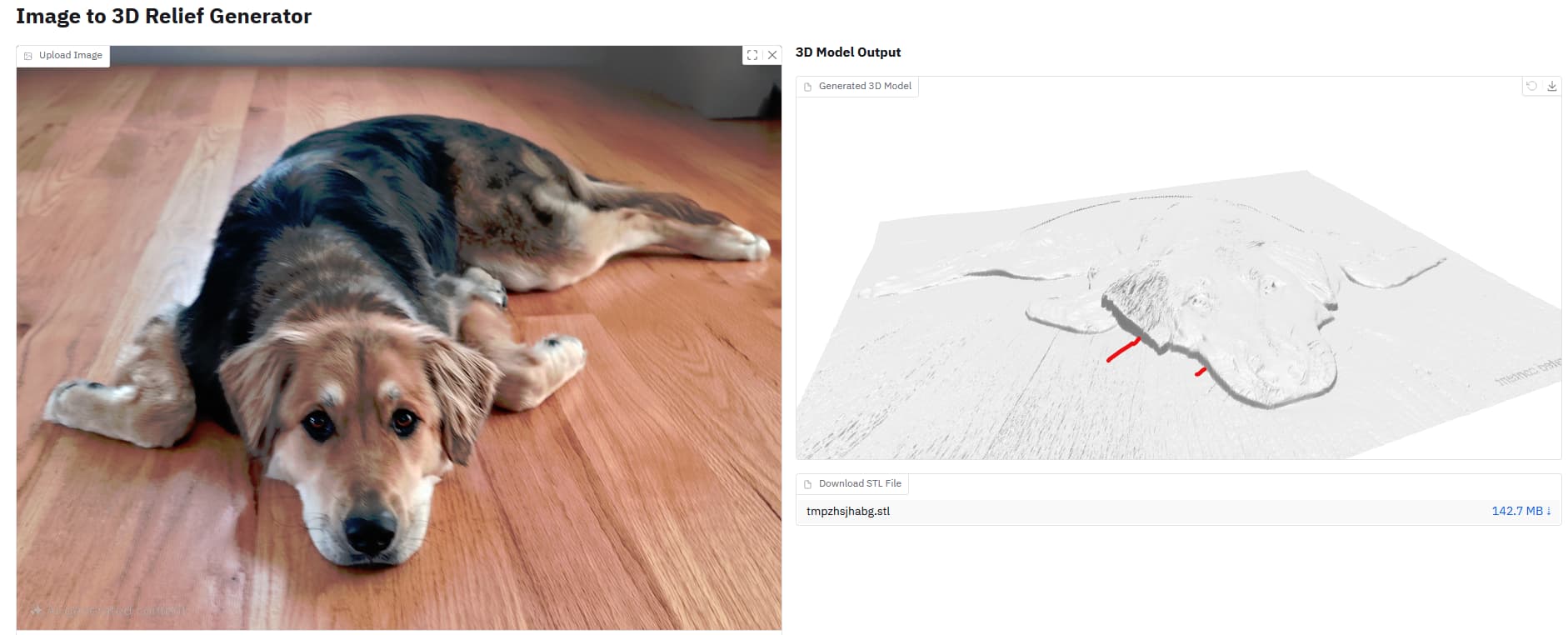
I think you’re referring to the “pixelated” look that you can see in some of the sharp transitions. Try increasing the depth map smoothing slider. I got a result that looks like this with these parameters.

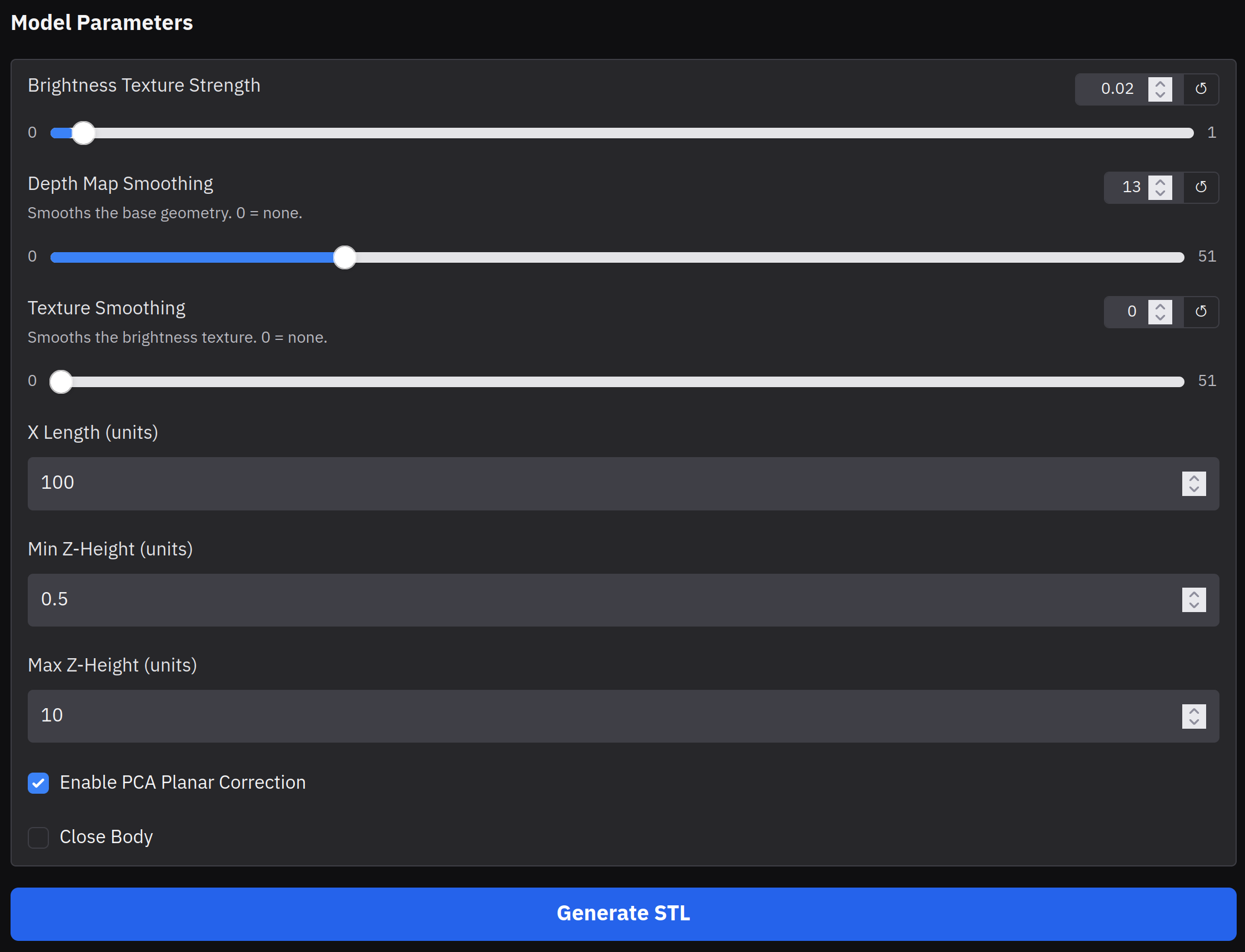
This will also be affected by the resolution of your image.
The image flipping is, I believe, an artifact of the embedded 3D viewer. When I viewed the downloaded STL, it matched the image orientation. Worst-case scenario, you could always flip the image.