vCarve & Pocket accuracy for inlays

Hello everyone, sorry in advance for the long post but I feel information is important :grinning_face:. I’m running into some accuracy issues when creating inlays for the first time on my Elite Journeyman with 110v 80mm Redline (software: vCarve Pro 12.5).

I’d like to start out by saying I’ve watched A LOT of tutorials on how to create inlays. This is not a generic settings question. I’m getting inaccurate results and am not sure why.

I’d like to mention that I have not trammed my machine and my spoilboard has been flattened but I plan on redoing this in a couple of months in hopes of making it better.

My inlay project is a Minnesota Vikings logo on an end grain cutting board for my mother-in-law. The board is about 18x12 inches and the logo in the center is about 12” wide by 10” high (maybe slightly less, and I did flatten both sides of the cutting board with my .25” EM so it should be dead flat). I’m following all, what I perceive to the be, the right steps.

Initial Inlay settings

  1. Female vCarve
    • start depth: 0
    • flat depth: .2
    • clearance bit: .25 EM
    • detail bit: 5.09 degree TBN
  2. Male pocket
    • start depth: .18
    • cut depth: .02
    • clearance bit: .25 EM
    • detail bit: 5.09 degree TBN

This resulted in a vCarve with a slight varied depth, between .22 and .24 inches, and slightly wider/taller than the vector. When I tried to fit my male plug in, it wiggled and I’m sure the male plug didn’t even touch the bottom. I would say it wasn’t even a lossly snug fit. No go for sure. I believe that, as the inlay size changes, these setting will need to change too. So for smaller inlays the tolerance numbers will less

Since my female pocket was already cut I had to cut multiple male plugs until I got it right. Basically I played with the start depth and cut depth number and added the pocket allowance variable to this equation. The settings that worked for me were:

Start depth: .2
Cut depth: .04
Pocket allowance: .008

After all of that trial and error, I remembered something someone posted. They said, cut the male plugs first, then under size the female pocket slowly making it larger until the plug fits. So my next phased did exactly this.

What ended up barely working was my first attempt. I’ll be taking it out of the inlay press this morning to verify but I suspect it will be ok.

Male plug settings

  • Start depth: .18
  • Cut depth: .02
  • same bits as above

Female vCarve settings

  • Start depth: 0
  • Cut depth: .19
  • Vector inset: .015

Side note, it would be great if Vectric let you do a pocket allowance on a vCarve. That would have made this a bit easier to manage.

The fit for this inlay I would say felt just snug enough to do the glue up. I would have like it to have a bit more friction when trying to pull out.

Any ideas on what could be causing this? Could this be some kind of setting on the Masso? Could it be a stepper motor problem? Or is this just what everyone off of YouTube does, mess with these tolerance settings until it works on their machine. Then they “know” what works for them for the future?

Thanks in advance for reading this and answering!
Yeah im going to guess you lost steps. Try to mark zero on all axis. For z you can use a block of wood to zero off. Then run the file again only just cut air and not wood. Then it should return to exactly to zero. If not you lost steps. Youll have to send z to zero after it runs. Then try and put the block back under the bit again it should be exact. Try that and let me know. I got a whole post on loosing steps tech support has been working on. Youll also have to rule out some other things too but try this first.

1 Like

Thanks for the reply. I want to make sure I’m understanding this correctly.

When you say mark zero on all axis, you’re talking about using a flat wood blank…

  1. Zero XYZ and then record the machine coordinates.
  2. Run the file and cut air.
  3. Verify what the XY machine coordinates are the same when the cut is done (I’ll have to turn off my parking position at the end of the file).
  4. Put the flat wood blank back and verify machine coordinates to zero and confirm that it’s touching the top of the wood.

Would you recommend that I use the same file for the female piece that I’m trying to cut? I would then assume I should let it run through it entirely (actually do the tool changes).

Thanks!


I think you should home your machine. Load your file. Move to the center of your table. Try and stop where you can see the set screws clearly. Then zero X and Y, mark your x and y axis’s. Take a block of smooth hardwood and jog down to the top and zero your Z. then remove the wood. Make sure its just as thick or thicker than needed for the file you were cutting. Then run all of your files. Dont re-zero anything. After each file it should return x and y to zero. Check that theyre exactly where you marked them. Not even one click off. Send z to zero and check that with your block again. It should just slide under the bit again. If not you lost steps. Load the next file and let it run. Again it should go to zero when its done. Check them like before, then the last file. See if any of them are off. Again dont re zero once you start, dont change bits, dont cut material. Just let it cut air and go through the motions.

1 Like

Is your machine cutting precisely? Make a square of something like 5x5”. Measure it after you cut it out. It must be true for inlays to work. Next check the diagonals. They need to be exactly the same or you’re getting something more of a parallelogram.

If one or both of those tests fail, you’ll need to talk to Support to get that fixed.

Then I’d suggest using an actual V bit and not a TBN. A V bit has a very specific geometry. I use a 3 flute 30 degree V bit for v-carve inlays. I do use a 6 degree TBN but not for true v-carve inlays because of the nose geometry. But I tell Vectric it’s a V bit.

For real V-bit v-carves you can use the new inlay toolpath operation in Vectric 12 to make things easy.

If you use a TBN, you need to adjust your vectors to fit the tool’s geometry. That means all the sharp corners need to be slightly radiused. A real V bit will make sharp corners. A TBN will not and will result in misfits or gaps. Inlays using a TBN are advanced. Try getting the simpler V bit v-carve inlays working first.

BTW, once you get a set of parameters for a TBN dialed in (it can take hours of trial & error) they’re only good for that bit. You’ll need to do it again when you replace the bit even if it’s from the same mfg. But you’ll have something close to start with.

1 Like

Thanks! I’ll give that a shot.

1 Like

Thats what I have him checking essentially. That its moving exactly as intended. He already has a file that failed. Its good to use the same file at first to try a reproduce the error seen. Its a z axis error he mentioned. A pocket is not very z axis intensive operation he needs lots of up and down movements to test. So Id run that first. It may take a longer time but it changes the least amount from the first scenario. I made another file I could give him thats a pocket with v grooves in it. It takes 50min to run but its x y and z intensive.

1 Like

Thanks for the reply. TBH I haven’t used my machine as much as I’d like. I’ve had it set up for about 6 months but unfortunately there are other things in life that need to be done too :frowning:.

I’ll do the tests you suggest too.

The sharpest v-bit I have is 30 degree which should provide a good level of detail. That said there are parts of this logo that I don’t think event a 30 degree v-bit will be able to handle. Here’s the logo and part that I’m concerned about.

I will probably do some more testing with a 30 degree after this project and try to use the vcarve inlay toolpath for that.

1 Like

If you’re willing to post the file that would be awesome. I’ll start with what I have first though.

1 Like

PM me an email and Ill share it with you, no problem.

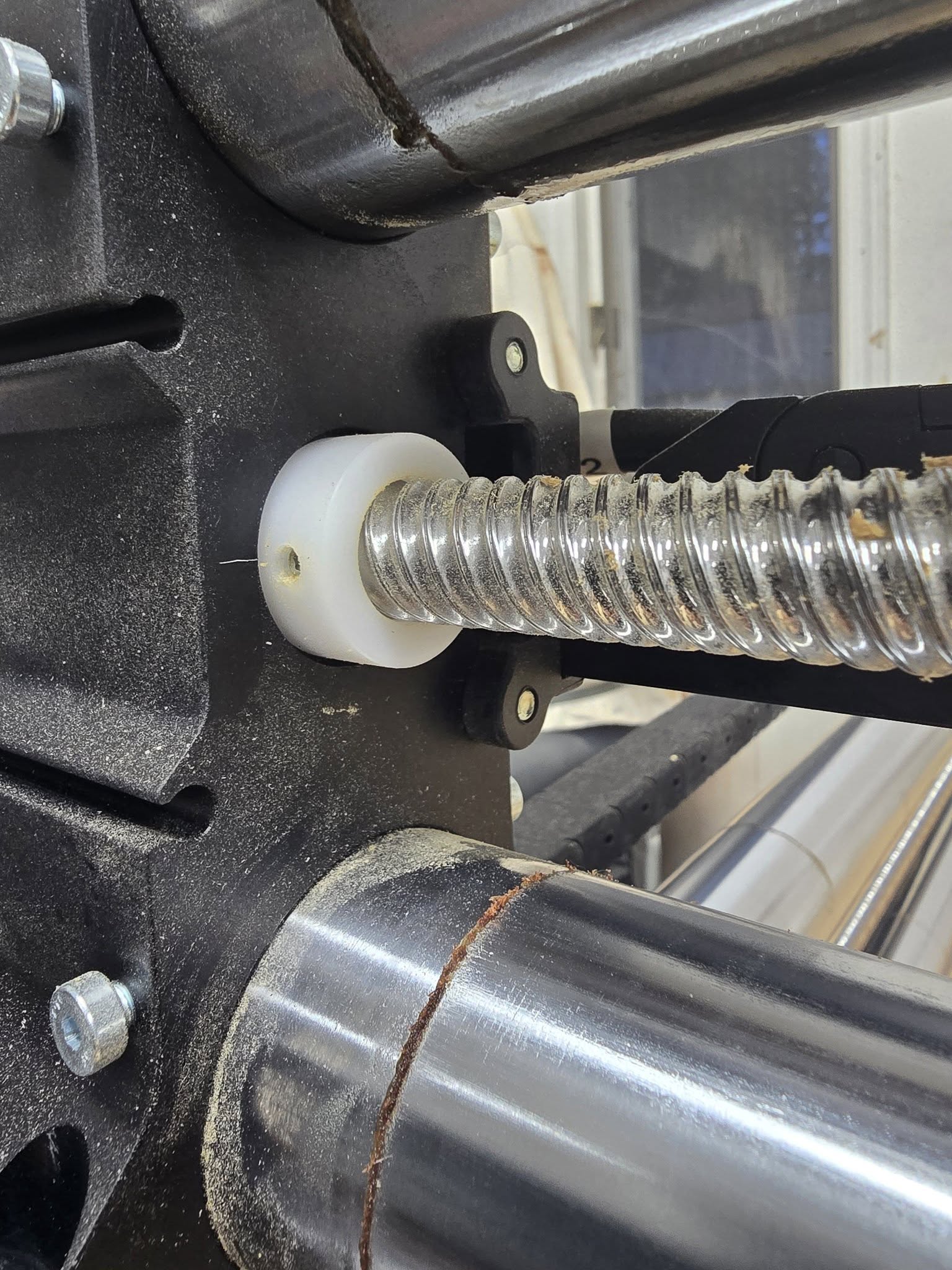
I ran into an issue when I upgraded to my elite journeyman and sounds similar to yours which was the set screw between my z axis coupler was loose which resulted in inconsistent inlays.

Here is the recipe I used to create inlays which always works

46280 CNC 2D & RU1600 bits

DEEP Vcarve

ZERO FROM PROJECT NOT FROM CNC BED

15 degree bit (46280 )

Clearance bit RU1600 = 1/8

Important settings for inlay projects

→ Use the V-carve function for both parts

→ For the Female inlay component

    Start depth 0mm 

    Flat depth 9.5mm 

Male Parts

Mirror Flip vertical (uncheck create a mirror copy)

Add a vector around the design

select outside vector

Offset vector ( 8mm )

First tool paths

1. Start depth 1.5mm

    Flat depth 2.5mm 

2. Start depth 4.5

    Flat depth 2.5mm 

3. For the Male Inlay component

    Start depth 7

    Flat depth 2.5mm 

4. Arrange clear paths in order

5. arrage vcarve paths in order

6. isolate plug (cut it out using the offset vector) USE TABS (inside Left)

Start at 9mm to depth of wood.

7. clean up tool paths

7A offset of 10mm

7B .5 mm above work

I use TBN bits for deeper inlays on cutting boards so they can be resurfaced without loosing part of the inlay because it’s shallow on the sharp corners using a v bit.

I set up my TBN bits as an engraving bit but have to use the radius of the tip where it asks for the diameter (not sure why but it works).

I use:

Female start depth 0 and flat depth .25

Male start depth .24 and flat depth .01

This leaves a very small glue gap.

I do have to adjust any sharp vectors for this to work. I use the fillet tool with the radius of my TBN to adjust all sharp corners. If you don’t do this your male will have sharp outside corners and female with have a radius and they will not fit properly. This also applies to inside corners.

I do not use the new v carve inlay tool because it only allows for V bits. I have not been able to setup a TBN to work like a vbit because of the flat portion of the TBN bit.

1 Like

Since you’ve defined the TBN as a V bit, you should be able to use the Inlay tool. You’d just end up with a slightly larger glue gap, no?

I defined the TBN AS AN ENGRAVING BIT.

The problem with using a TBN as a v bit or engraving bit is that is assumes your bit comes to a point. As a TBN doesn’t have a point its not cutting as low as the software thinks you are which can cause some issues in tight corners/edges.

@noahzenzen Do you have a Redline controller or a Masso? I see on your original post you say Elite Journeyman with 80mm Redline and I want to clarify if that Redline is just the spindle or more as there is a large chain about the Redline controllers loosing steps.

1 Like

I have a MASSO controller.

I understand what you’re saying about the TBN not having a point. I need to do some testing as I think I’m having slight depth inconsistency with my 1/4” EM. I need to redo my spoil board first though before I can really confirm.

hopefully that can be done after Christmas.

1 Like

I would also make sure that when you put on your male and female piece right before carving you surface it with the CNC and do not remove it until after you have done your carves. That was its perfectly perpendicular to your machine. Just to state the obvious if you do this and you have your Z set to your material surface you will have to reset it after surfacing.

Before doing a whole new spoil board you could stick down a chunk of MDF and surface that then put on your work piece and surface it etc that way the bed you work on is flat while not having to replace your entire spoil board.

2 Likes