im new to cnc and got the file from idc woodcraft for the 3d carve of the memorial and i wanted to cut it my problem is i set my material size and thickness and start my cut and it is almost cutting all the way through the material so bad that it stops my machine, guess my question is how do i adjust the depth of cut on a 3d carve?
What program are you using to generate your gcode? I’m mostly familiar with Vectric in which case when you are setting up your 3d roughing the first time or during the material setup you set the models position in the material. To put it simply, moving the slider up and down moves the model up and down inside your material.

im using vectric. so i want the model more to the top?
i want to use one inch thick material. so do i adjust the cut depth in the tool path?
i cant find that screen
If you are importing a 3d file like an .stl that screen will first show up when you select 3d roughing (assuming you are roughing then finishing) once you confirm your selections there it will take you to the normal roughing toolpath page. After that initial setup you can get that screen again by clicking on the “set” button on the top of the toolpath panel.

ok thank you tommy i will get that a try.
Is there a video showing the process from start to finish?
There should be several YouTube videos out there. Kyle Eli (Learn Your CNC) should have a few. I’m sure Garrett (IDC Woodcraft) probably has one. Garrett has a live show every Wednesday night (7pm CST), so you should attend if you’re not doing so already. It’s a great forum where people ask questions live. He also has other content creators as guest speakers. Kyle Ely will be a guest (again) soon.
Do yourself a favor and sign up for Learnyourcnc.com. It was a life savor for me. It teaches you every aspect of Vectric. Well worth it. Great community. And he has all the videos for basically every type of carving you want to do.
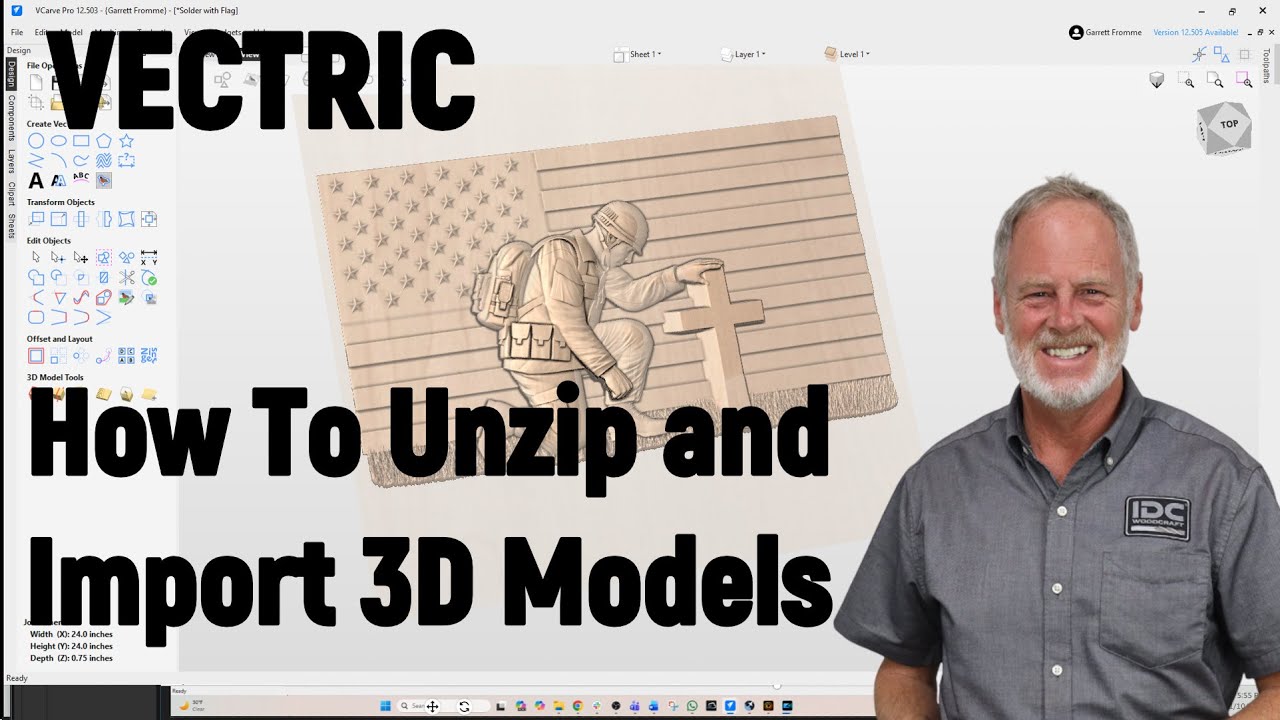
Garrett just posted a video on this.