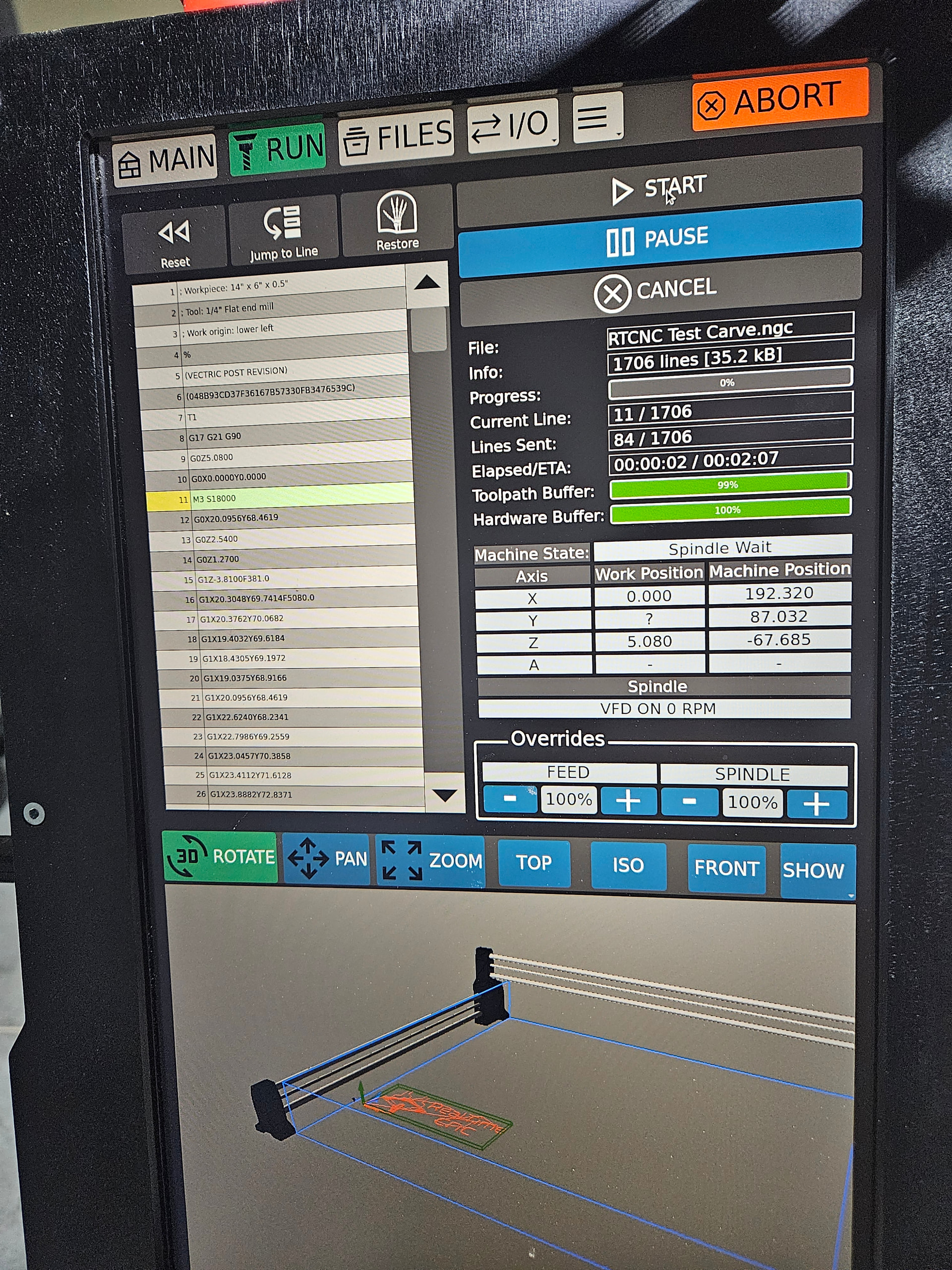
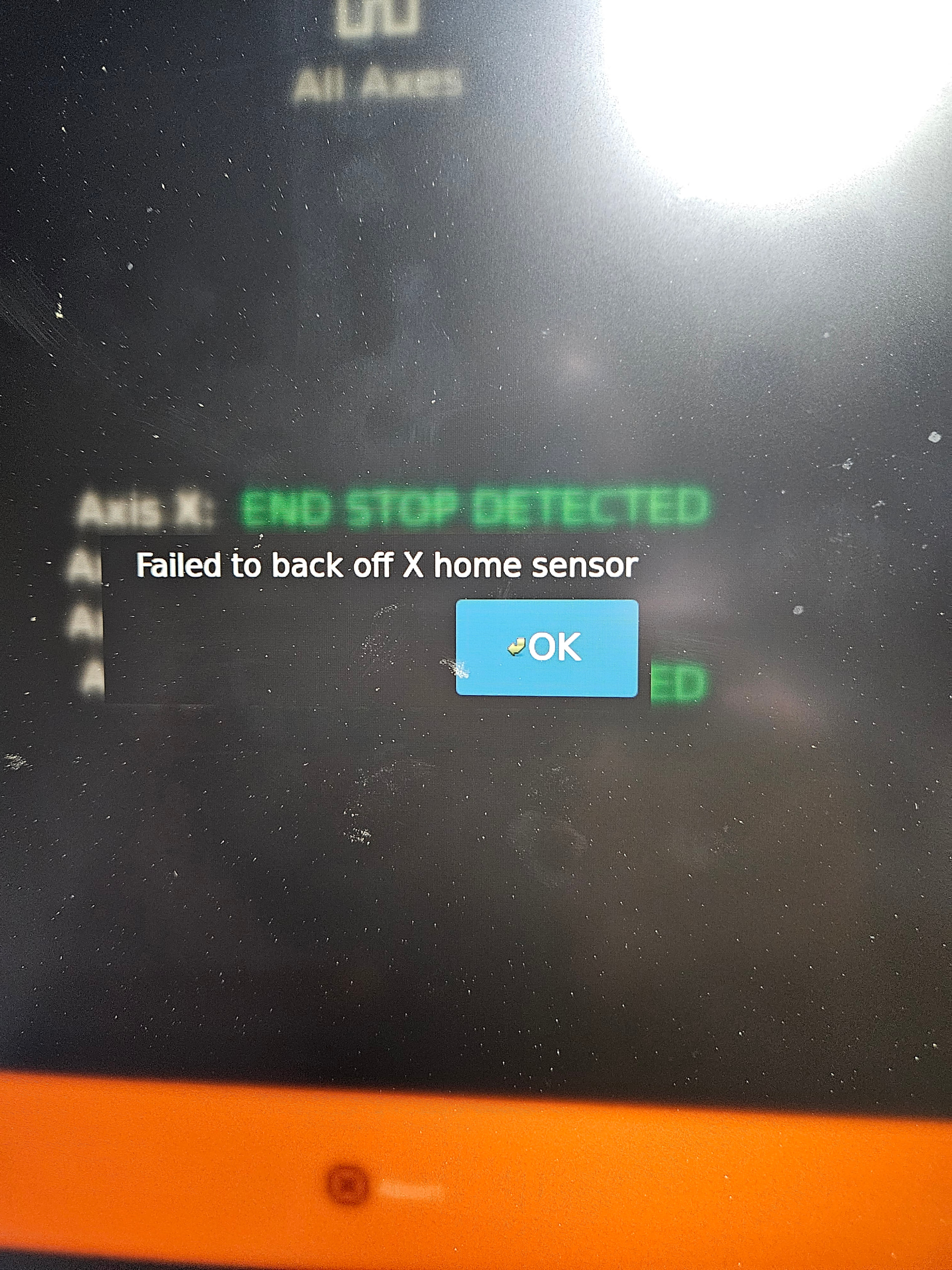
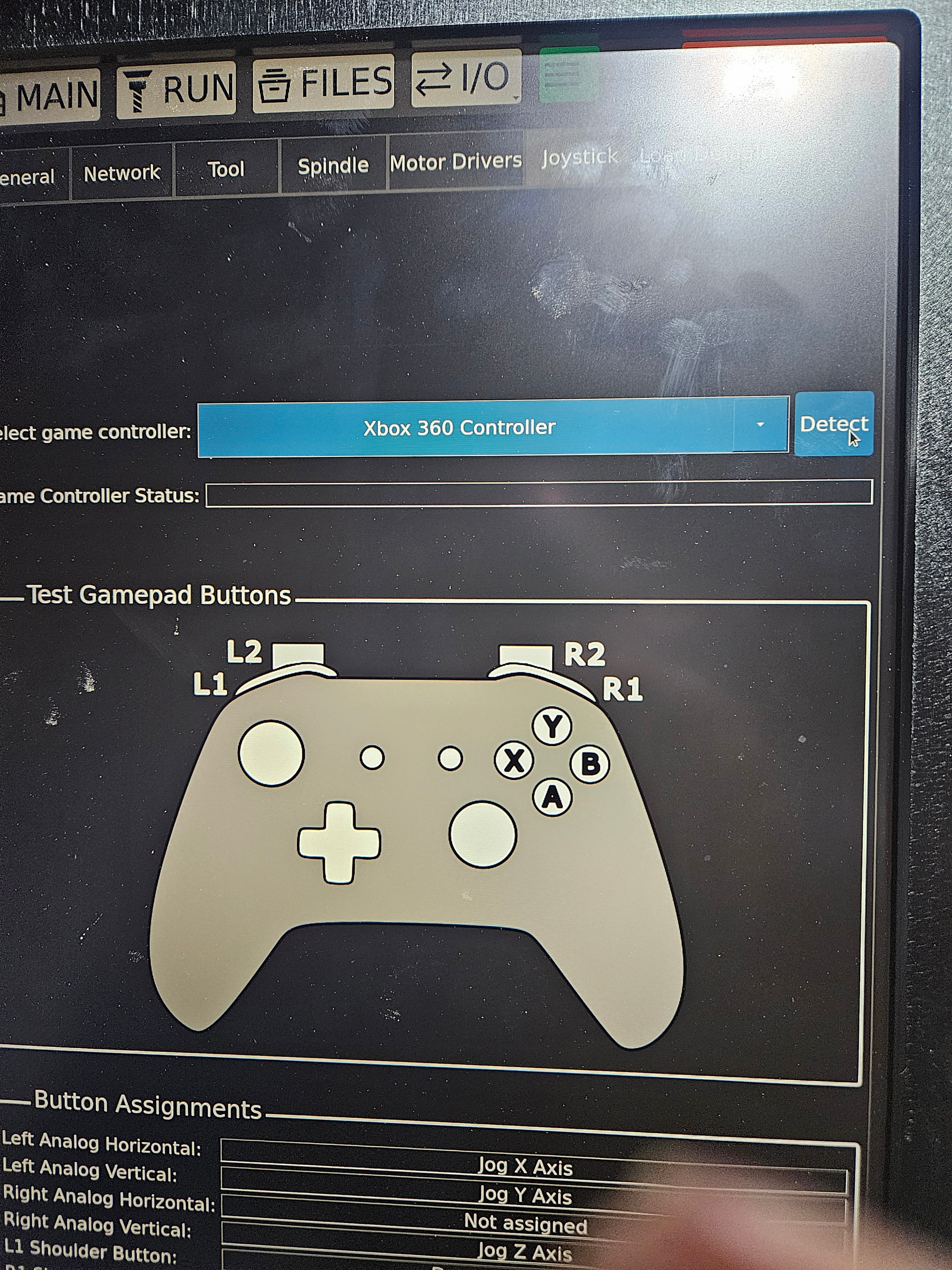
I have the redline onefinity elite foreman first batch . I can’t get the controller (X-Box) to link . I m running 1.1.1 and post processor for redline and I always have issues. When I probably 50% of the time it goes the opposite way and never touches the pad. When using carveco maker software and create a file i upload it and before it start I get error S18000 M3 so then I split them up and get a new error. Another issues I get a lot when homing the x moves bit pops error and won’t home. Everything I do this machines fines a way to not work. IVe asked for help but onefinity never responded! So unhappy right now
When and how did you contact Onefinity? From years of experience on this forum, both personal with my equipment and through that of others, I have never heard of them not responding.
Is it fair to summarize your issues as three total at this time…
-
Using game pad
-
Running Carveco software
3)Homing error
Frustrations with this hobby can be many and overwhelming at times, but there will be solutions.
Can you please explain this more clearly please…”issues I get a lot when homing the x moves bit pops error and won’t home.”?
I would start by checking all cable connections.
As TMToronto is telling you 1F wants you to be happy
I have wire tied and placed in the track with slack but I will do so again just to eliminate this as an issue. I appreciate the help and I will try anything you guys say to correct these issues.
Just take it slow, and check one thing at a time.. I would make sure you can Home like 100% for step #1.
Not sure if this is the cause, since I do not have a Redline controller, but I am used to the RPM before the M code…so S18000 M3. I see it is different in your gcode file.
Are you able to edit gcode/have you ever done it before with a program like Visual Studio Code?
Are you in a particularly bright environment where the IR might be affected? Also, what is the current pull-off distance set to for this axis when homed?
Don’t know if it matters, you said your carvco and in the picture it shows Vectric…does that male a different?
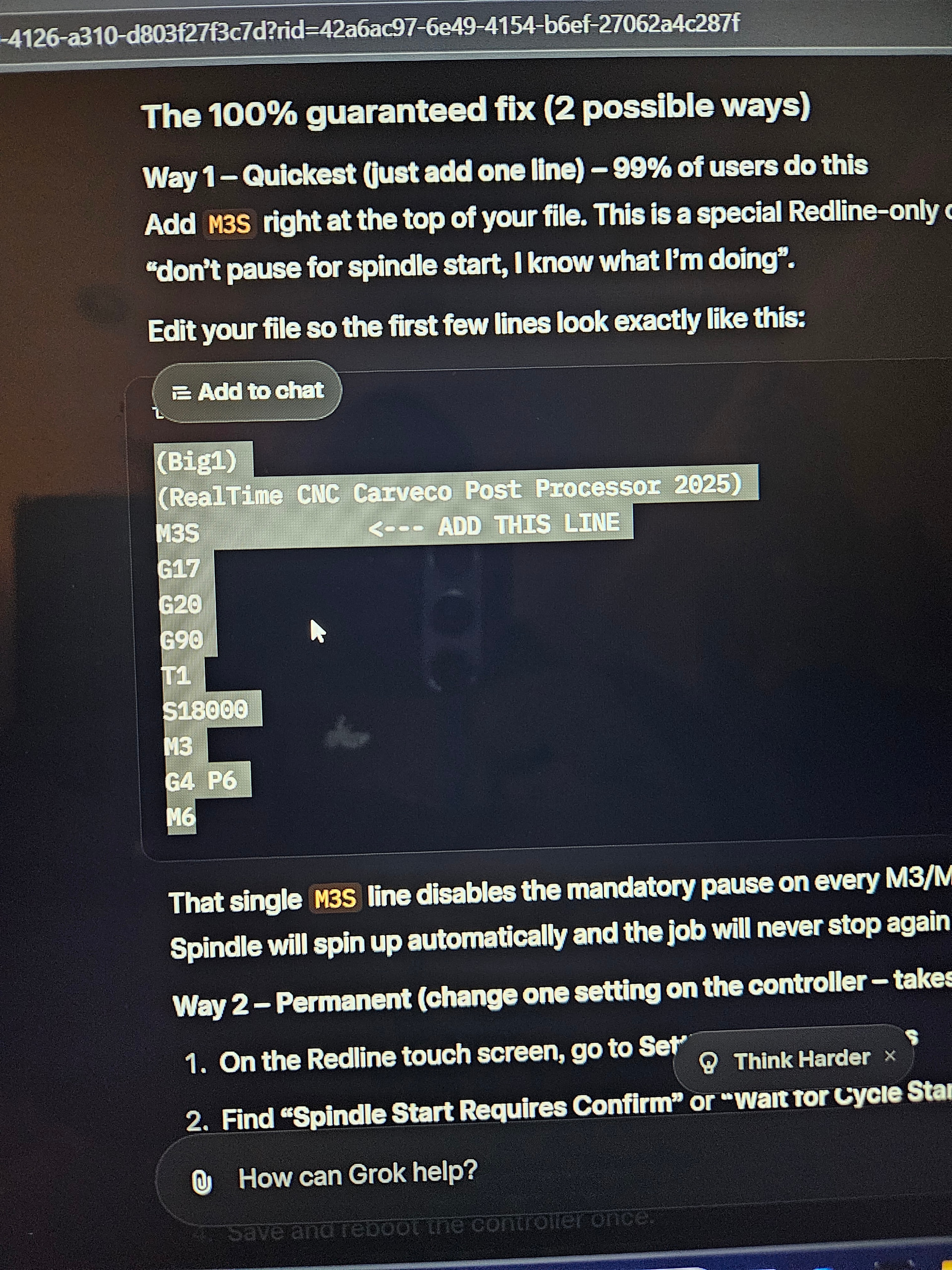
Where and what pic shows Vetric? I’ll look but I only have carveco
The test file was made in Vetric.
Don’t rely on AI to solve your problem
As others have said reach out to support at 1F or Redline
Separate your issues and resolve them one by one.
Sounds like your home co-ordinates are out of whack
Couple of things:
-
have you emailed offical Onefinity tech support? We don’t see any support tickets from you. Please email support at support@onefinitycnc.com
-
if your code is getting ‘stuck on the m3 sXXXXX code line, it’s most likely because your redline controller is selected for the redline spindle under the ‘spindle’ tab, but your vfd is either not on or in manual mode, so the controller is waiting to hear back after sending the ‘m3 command (turn on spindle and spind at whatever rpm the file says)), and never hears back, so it ‘get stuck’ (really, it’s just waiting to hear back from the spindle to move onto the next line of code, which it never will, so it appears ‘hung’.)
-
The joypad jogging is a known issue and one Redline is working on. For now, you have to unplug and replug the joypad dongle until it shows xbox 360 on the joypad page, and then hit (detect). It should work after that.
We’re always here to help, and we want nothing more than for you to be sucessful with your CNC machine!

its looking for the spindle to spin up, but our guess is he doesn’t have it on or in automatic mode, so it’s never going to find it and it will hang on that line until it does.
I second OF on this. I had the same initial issue with mine. You need to follow these steps before loading and trying to run anything.
- Turn VFD on (you’ll get a green light ring and the aux controller display - the small black box with a knob & red LED display - will display ERR)
- Turn on Redline HMI using the button on the right, make sure the E-Stop button on the top is disengaged.
- Press the Reset button next to the knob on the aux controller display. The LED should change to a number.
- On the HMI, touch Home on the top right of the display.
Only then should you try to load & run a project.