Help with 3D carveco toolpaths

Hello,

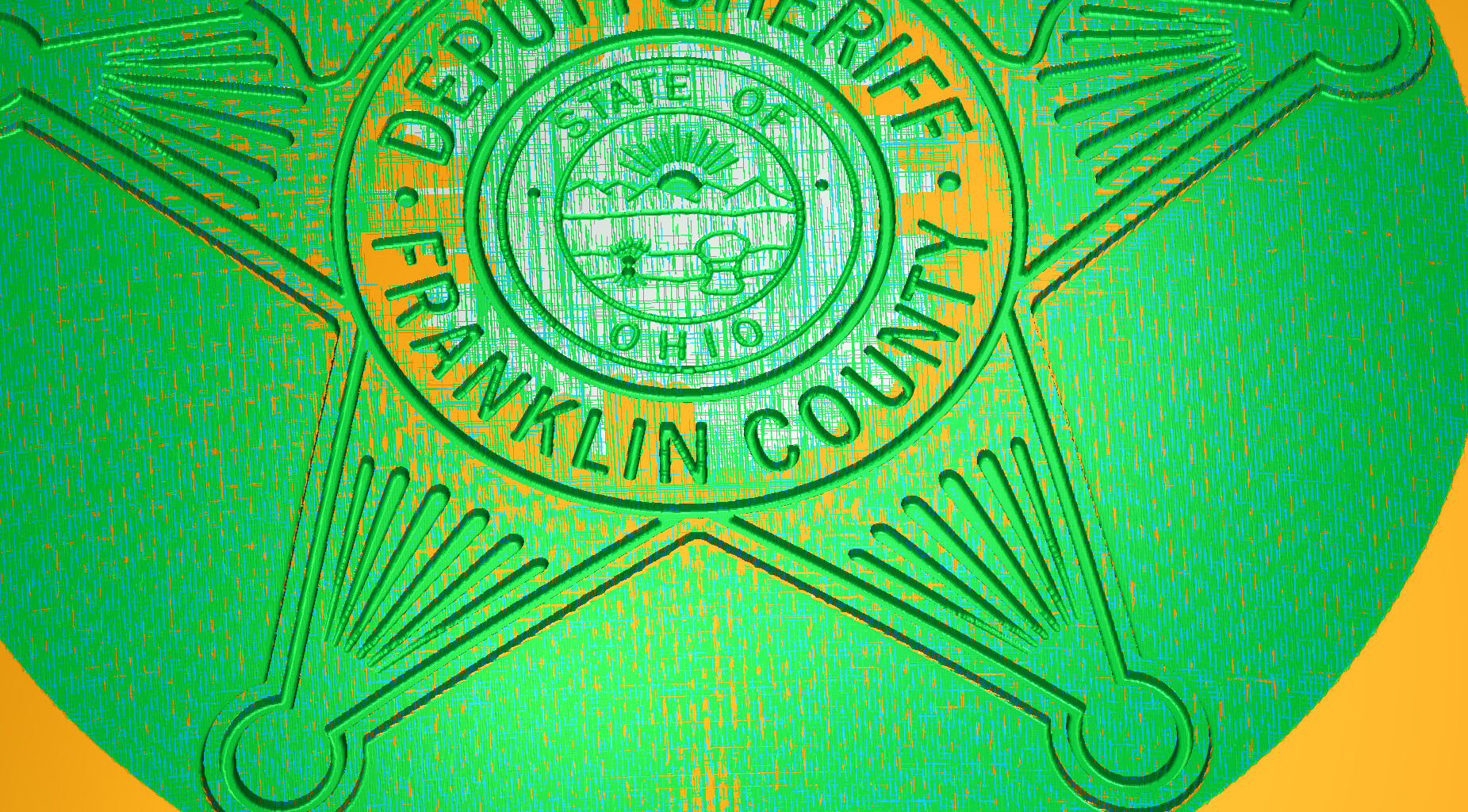
I’ve designed a 3D model in Carveco Maker+, but I can’t figure out 3D toolpaths to make it look nice on the curved surfaces (the badge).

I’ve done multiple toolpaths using a variety of tools:

roughing passes with both end mills and ball nose end mills.

finishing passes with Tapered Ball nose and 30/60/90 degree bits

even used 1/16th inch end mills.

any suggestions?

I don’t know Carveco but in V-carve there’s a box to apply the toolpath to a 3d surface- bottom right hand corner

2 Likes

OK, I’ll double check for something like that. However, Carveco has a 3D toolpath function, which is what I’m using for this. So I would assume that’s part of the function!

well, for anyone interested, I think the major problem is the size of the badge (11 inches) and the height of the badge (was .5 inches off the dome) were the major problems.

By reducing the height of the badge to .125 inches off the dome It seems like it’s at least worth trying a test. I think it allows the TBN to get to most areas.

2 Likes