Show us your vertical clamping methods!

I just need to work up the stones to cut a hole in my table and drop it in…otherwise huge should out to RockingMallet up above as the design is great! I made some very minor tweaks but it came out great.

edit: I also need to mill up the side supports as well once its dropped in.

6 Likes

Hi, did you say you could post the file, would love to try these out. Just added a vertical clamping to my elite journeyman and looking for projects.

1 Like

Wow, just realized I have not looked at these joints for over a year.

Apparently, I did try to redo the bird’s eye joint file now using Vcarve pro 12.5.

I’ll try to load it, recall having problems doing so, but will give it a try.

I do remember very tight fits…..hope this works.

Knapp Box Joint.zip (707.9 KB)

1 Like

Spot on, thank you, i’ll give these a try and let you know how I get on.
Really appreciate it.

Hi, I don’t suppose you’re willing to share the file for this are you? I been working on a vertical clamping for my elite Journeyman that will fit between the slats on the QCW and this looks perfect.

1 Like

I dont really have an issue but it originally came from @RockingMallet and I want to make sure he is good with it since I know he also sells some files as well.

1 Like

Thanks so much, I don’t have an issue if he sells it, I’m happy to buy, if you can let me know where to get it that would be great.

1 Like

Share away @Calvin no problem here. Glad it worked out

2 Likes

Working on my Journeyman table design like yours and would like to incorporate the vertical clamping. Any possibility to get your clamping file?

This looks fantastic! So clean!

1 Like

I think that should work. Not sure what state this file is in. I was planning on cleaning it up and making it all the parameters paremetric to eventually sell but you are welcome to its current state.

Let me know if that doesn’t work.

2 Likes

Thank you! The file looks good. It has some “balloons” pointing to items. I’ve not seen that before in Fusion. What are they?

3 Likes

Thank you for the file!

2 Likes

please tell me what app to use to open the file?

F3d is a Fusion 360 file format. If you are not familiar with Fusion, you can download the free version for personal use, though like most software, there is a bit of a learning curve to it.

In Fusion, you are able to turn on/off each element then export them for use in software like Vcarve. I’m waiting on my Gen2 Foreman so I haven’t carved any of them yet. That said though, the design looks to be spot on for the approach and flexibility I was looking for.
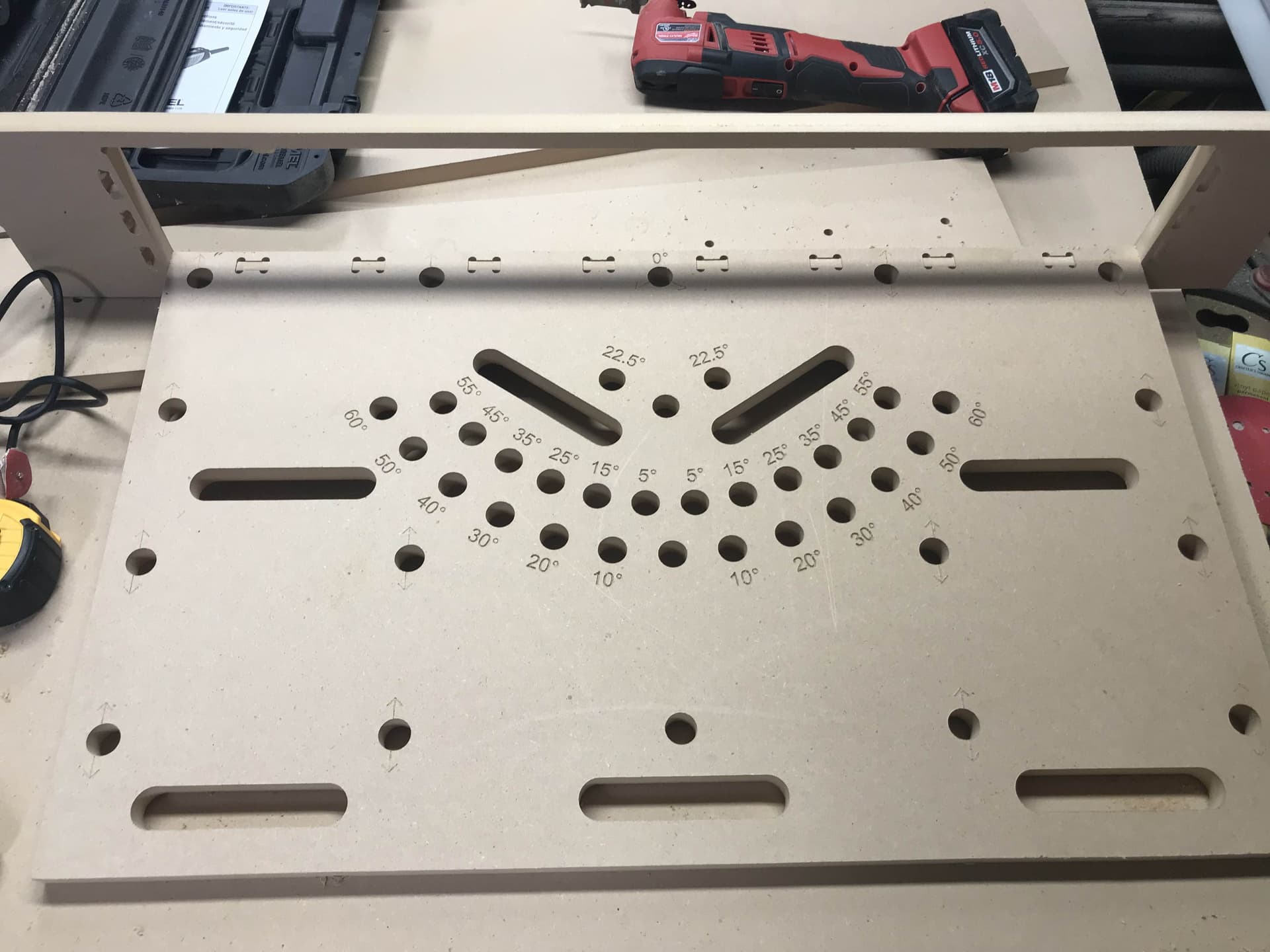
Much thanks to RockingMallet!

2 Likes

Im almost done converting the file to vcarve still got some left to add but i will share when done

Appreciate RockingMallet for sharing!!!

7 Likes