Ok so you have a Y axis alarm which generally means the y axis is trying to move outside the limit switch area. Can you verify a couple of things.
1 With power off can you rotate the y axis ball screw so it moves away from the limit switch?
2 Did you square up your machine before powering it up? It could be you have a parallelogram situation causing the stuck ball screw.
Please send more pictures so we can see what the machine looks like for position
Ok. I will get more for you. Thanks much.
Hi, I am awaiting more pics to upload to my email.
But, I wanted to respond to a question you posed. Yes, I CAN move the Y-axis ball screw, by rotation of same. It’s the B-axis ball screw which is highly difficult to move. With great determined effort, I CAN move that B-ball screw - just ever so slightly, by very forceful attempts to do so.
Ok that’s curious because you show a Y axis home fault but not a B axis motor fault which should happen if the B axis ball screw is stuck
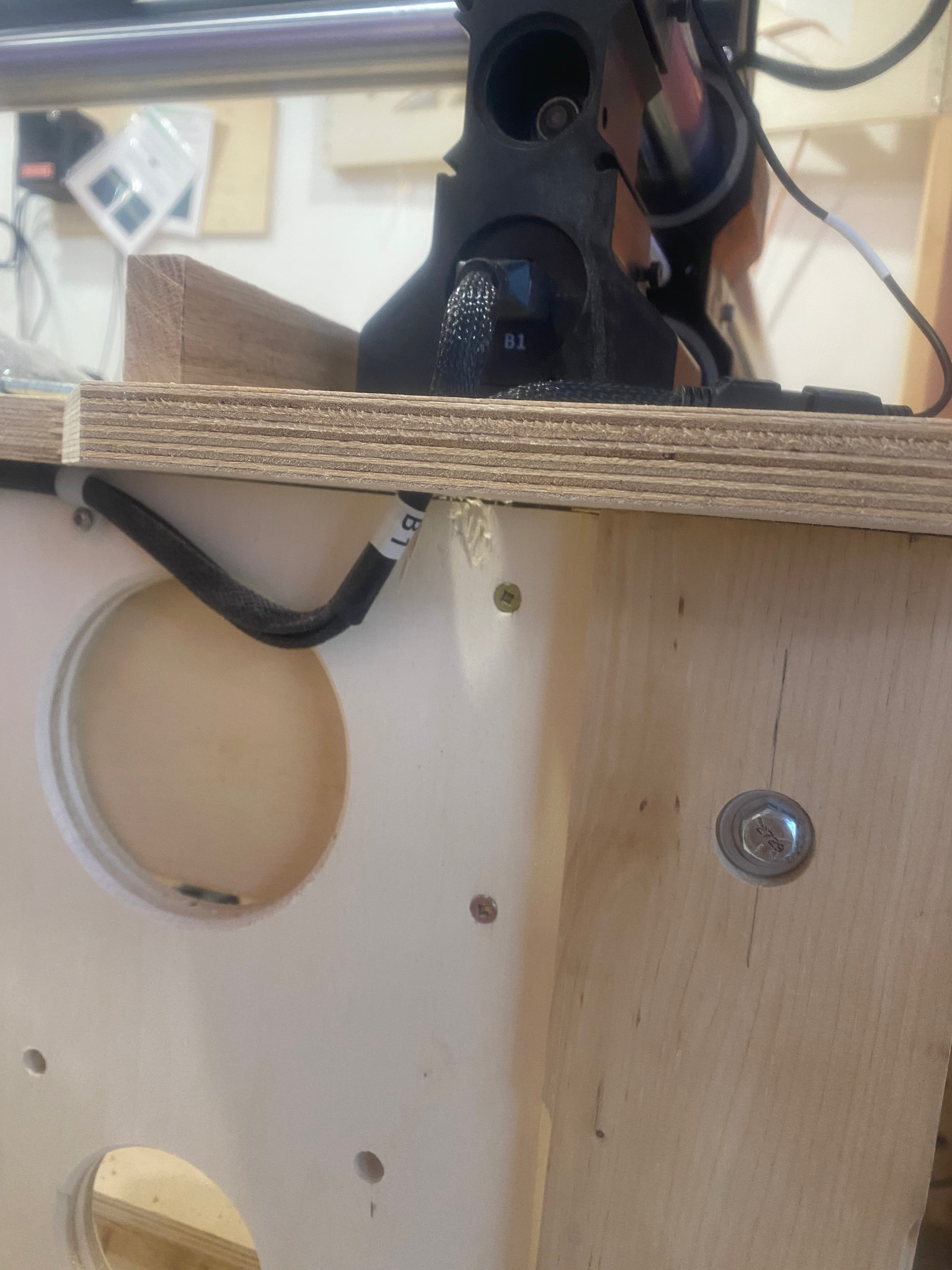
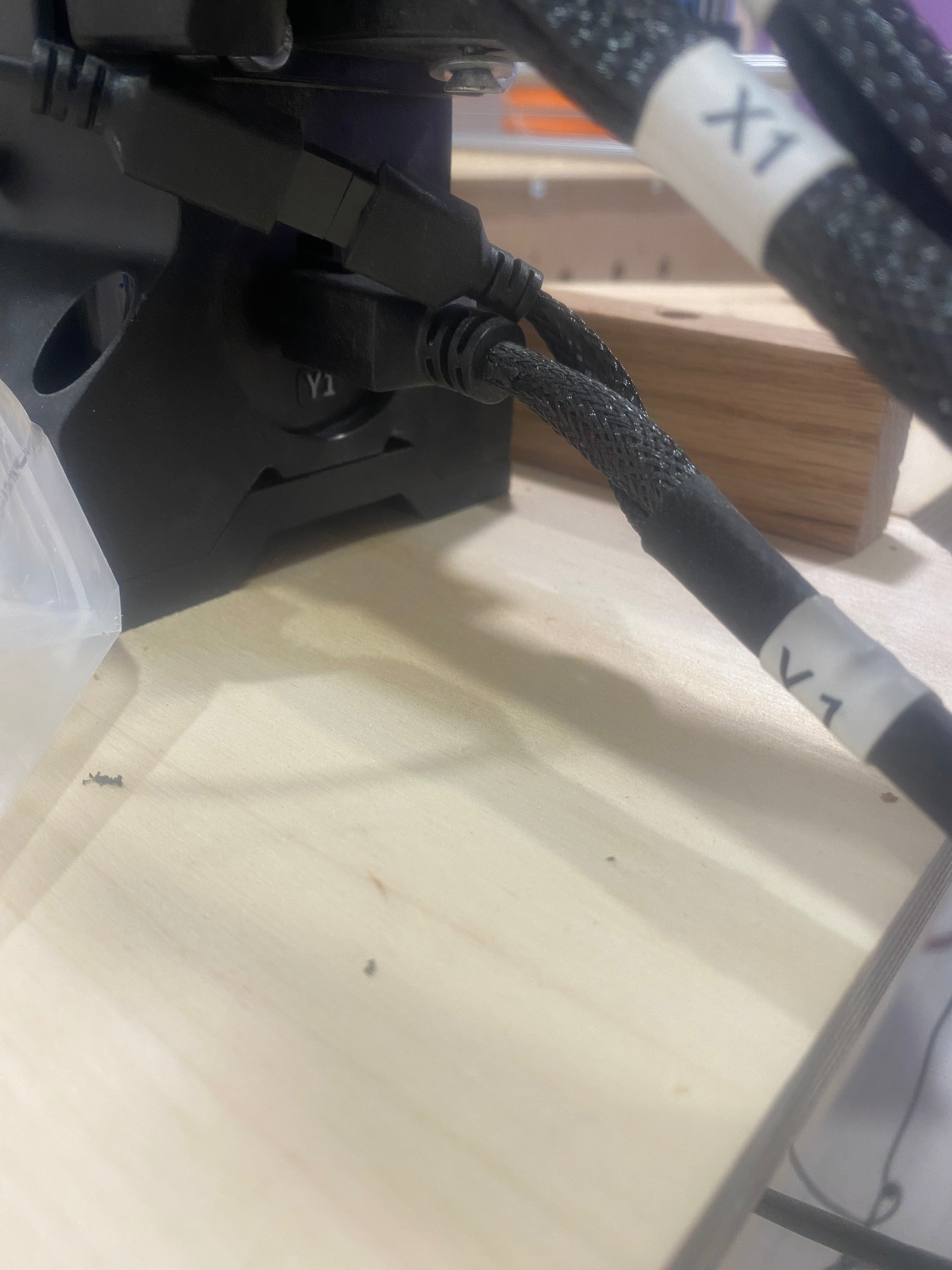
Ken5,
With power off, I can (effortlessly) rotate the Y-rail ball screw. However, there is yet quite measurable resistance in turning the B-rail ball screw. Now, though, I also CAN see a small red light on top of both the Y, and B sensors. And (in both the Input 1, and Input 2 screen boxes) there is a reading of 0.00v.
Just in case someone might be near to where I live, I reside in Amherst, NY 14226.
Have you looked at these things especially number 7
https://forum.onefinitycnc.com/t/troubleshooting-rail-is-getting-hung-stuck-grinding-or-moving-in-opposite-direction/10826?u=ken5
Also, more pics (6) would not transfer from phone to pc. However, I just went back to my shop and grabbed info on another setting. With my rail ends sitting about 1.5" in from the stop, there is a reading of:
Y-Home Sensor No - High (red)
B-Home Sensor No - High (red)
Yeah that’s not right.
I would go through the post above and check those things that apply to your machine
It could be a bad wiring or mechanical like a jammed coupler screw or a too tight ball screw nut (#7)
Well, with a bit more fooling around, I think (at least I hope) that I may be on to something. in the two pics that you’d shown, above) my wiring is indeed proper. However, taking off that B-motor wasn’t nearly as challenging as had been previously thought. Having gotten that motor off,I immediately set myself to testing its ball screw rotating. As it turned out, that screw turned just as easily as the Y-side screw. So, apparently, the fault appears to be my own. I don’t see extreme closeups very well (even with spectacles on  ), which is to say that finding those set-screws, through that tiny hole, is likely to pose an issue for me (as it did before). So, I’m laying things aside until tomorrow, when I can get one of my daughters (with better working eyes) to assist me. That motor released without its coupler, which leads me to feel that both set screws had not been secured in, and that the one that was had been really hand-torqued. Tomorrow, I will make certain that I don’t bear down, too tough, on either of those set-screws, and will report back to you with the outcome. WOW - maybe, just MAYBE I will be able to get some Christmas gifts done. HAPPY THANKSGIVING to you, and your loved ones. In fact, that sincere sentiment goes out to ALL members of my Onefinity family.
God Bless,
Nathan
You didn’t pull the red plastic (nylon) coupler off the shaft of the motor did you? There’s a note about that in the setup instructions which suggests some folks did in fact did that.
I had one axis not moving the first time I fired it up and had to unplug/reattach the wiring connectors. I didn’t see anything wrong but that fixed it for me.
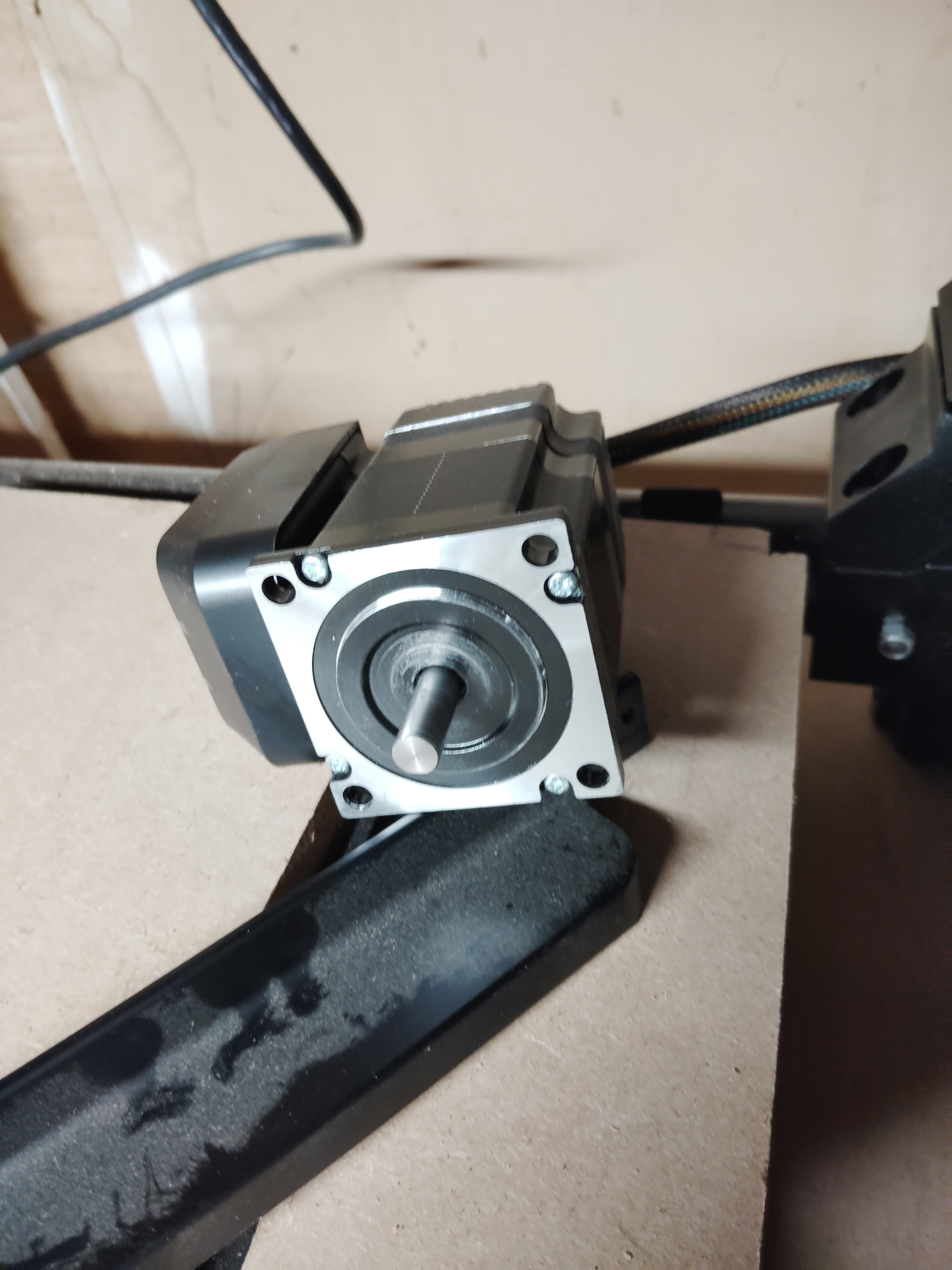
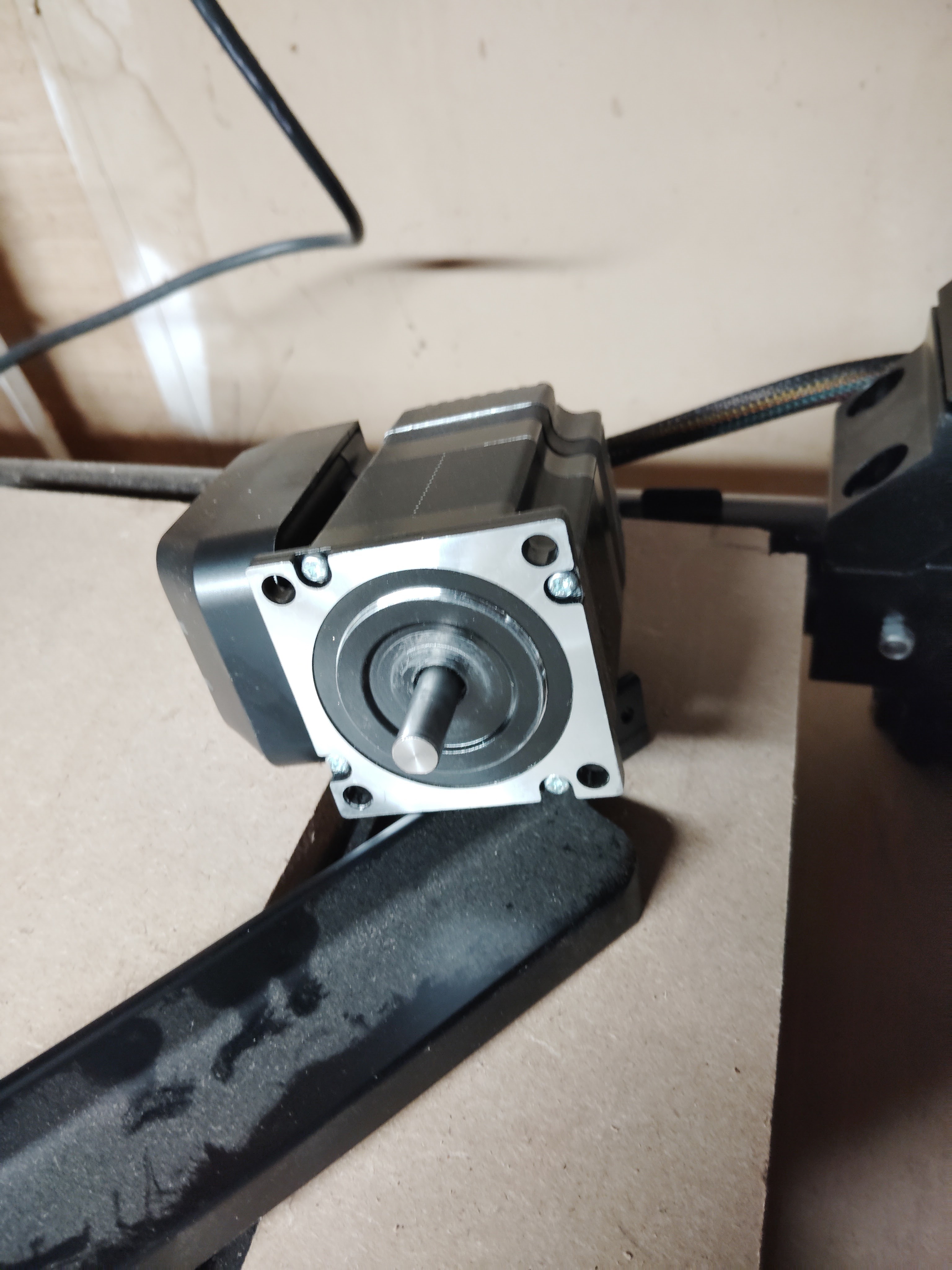
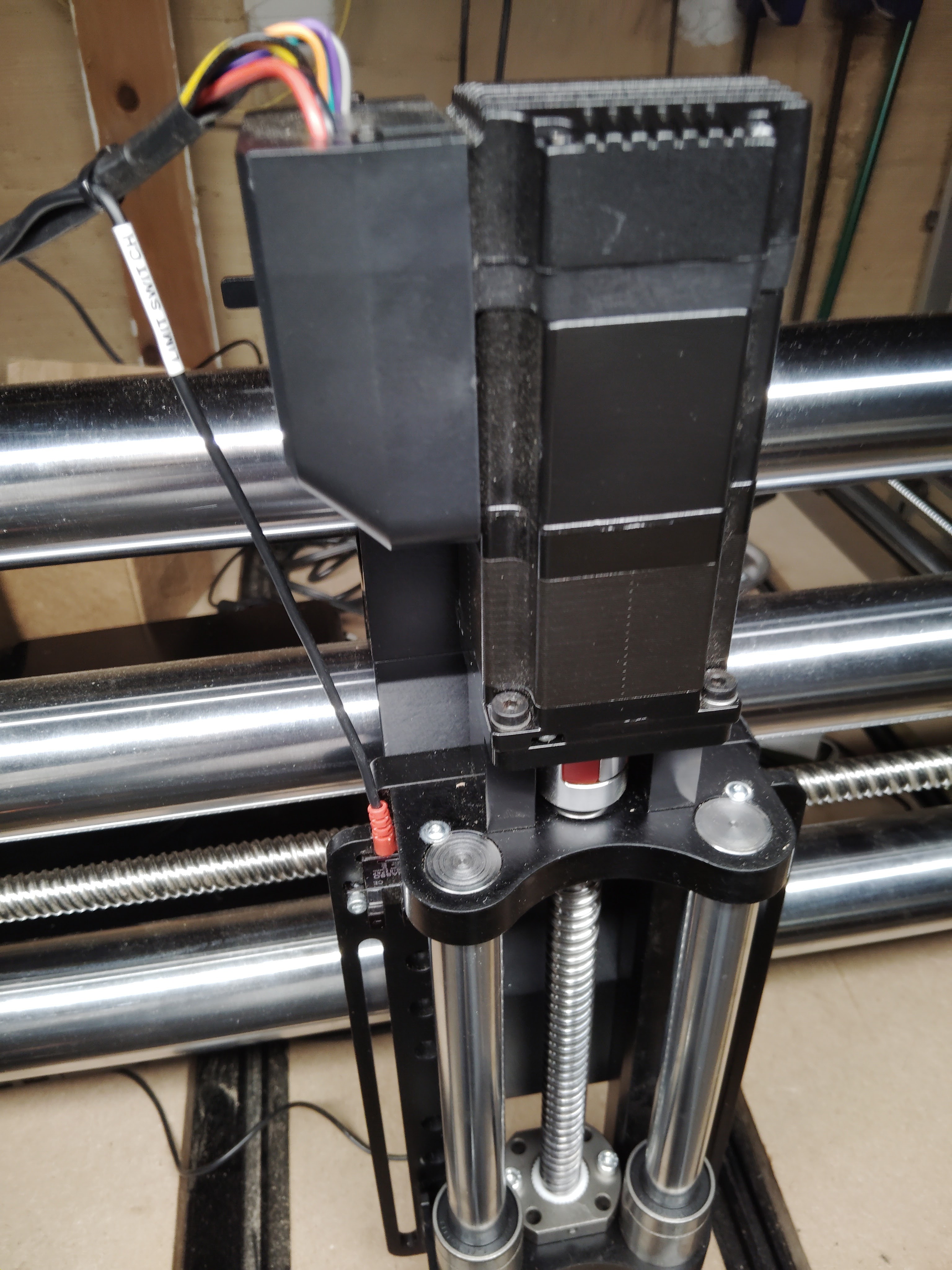
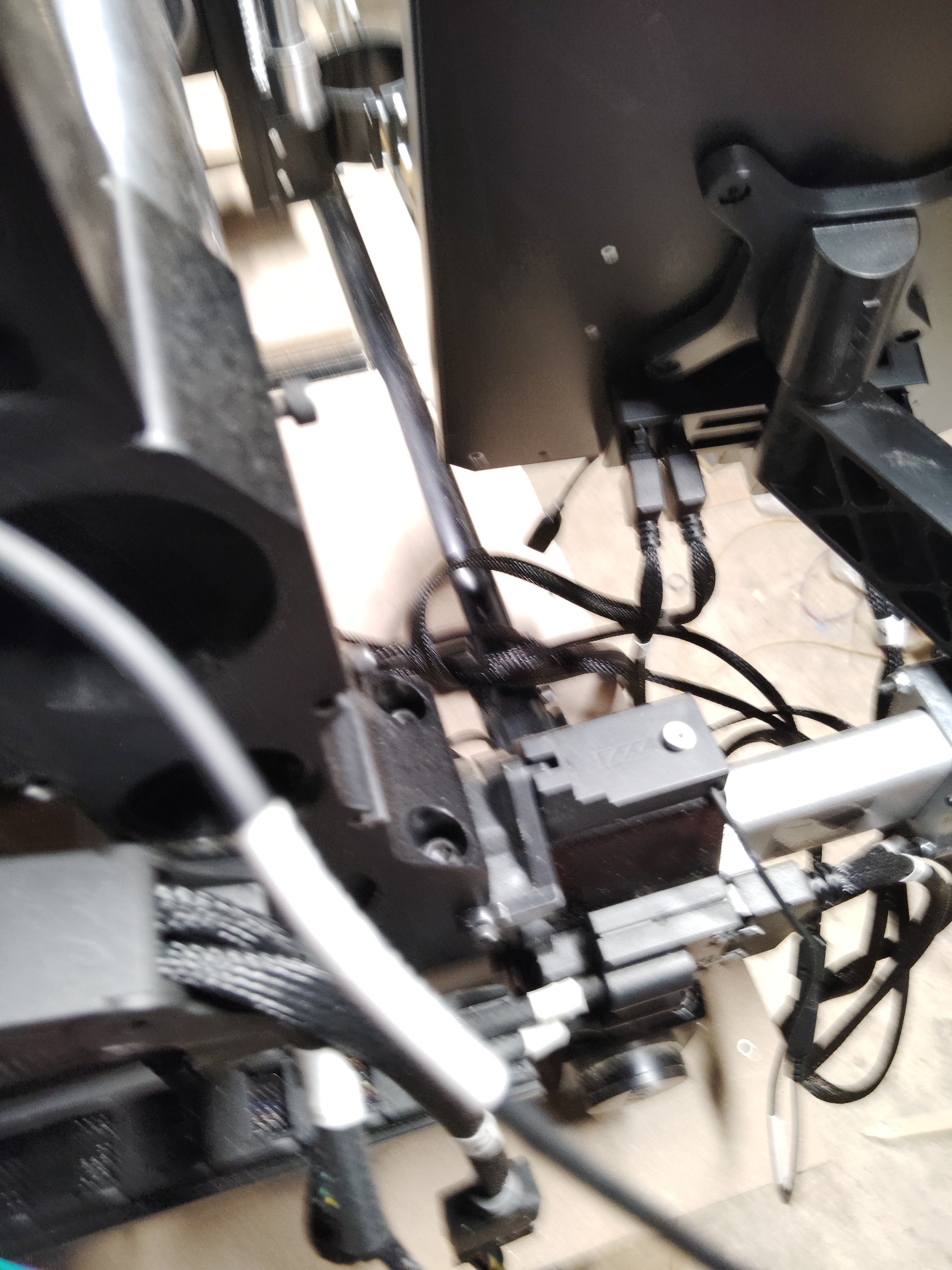

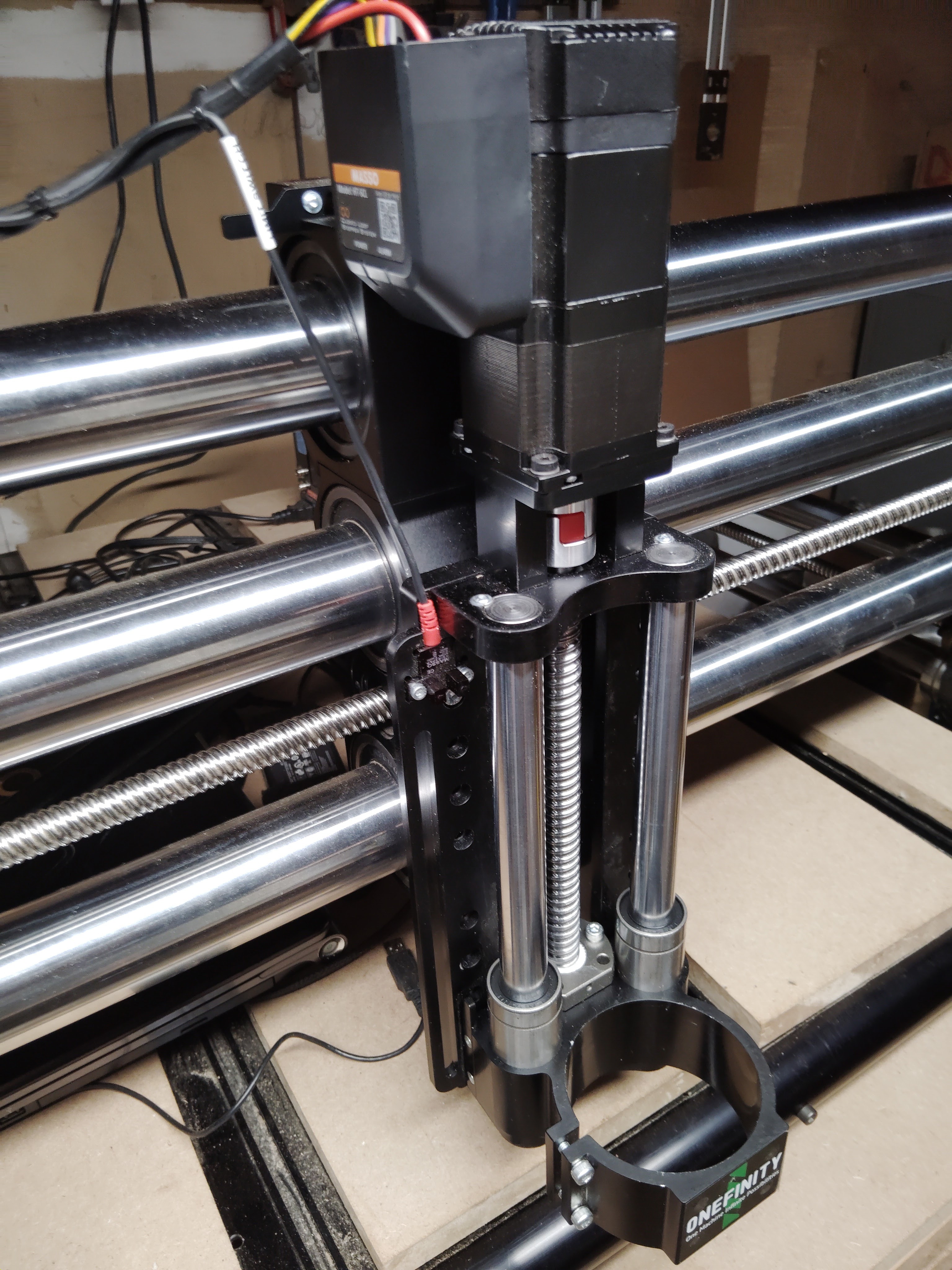
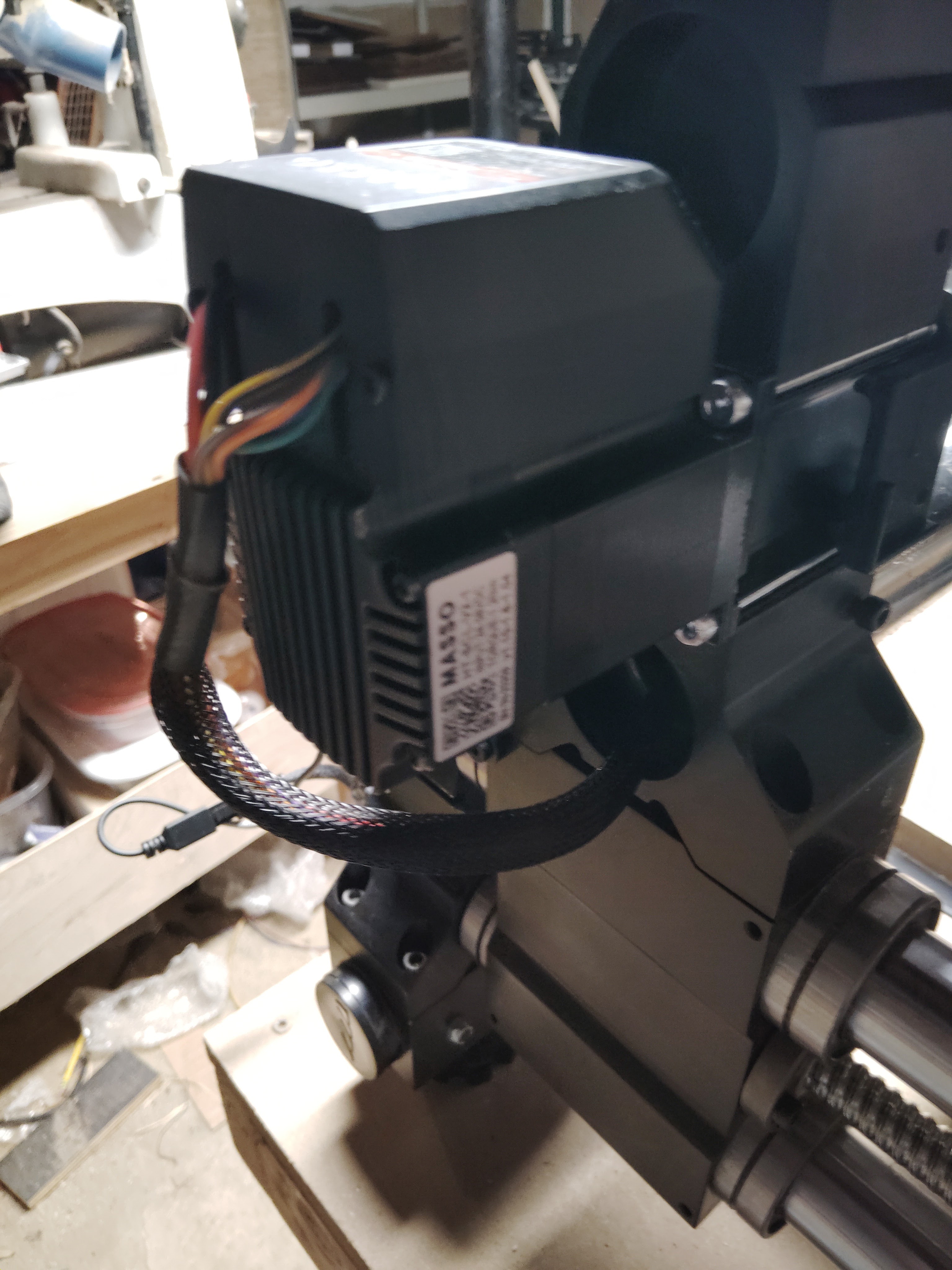
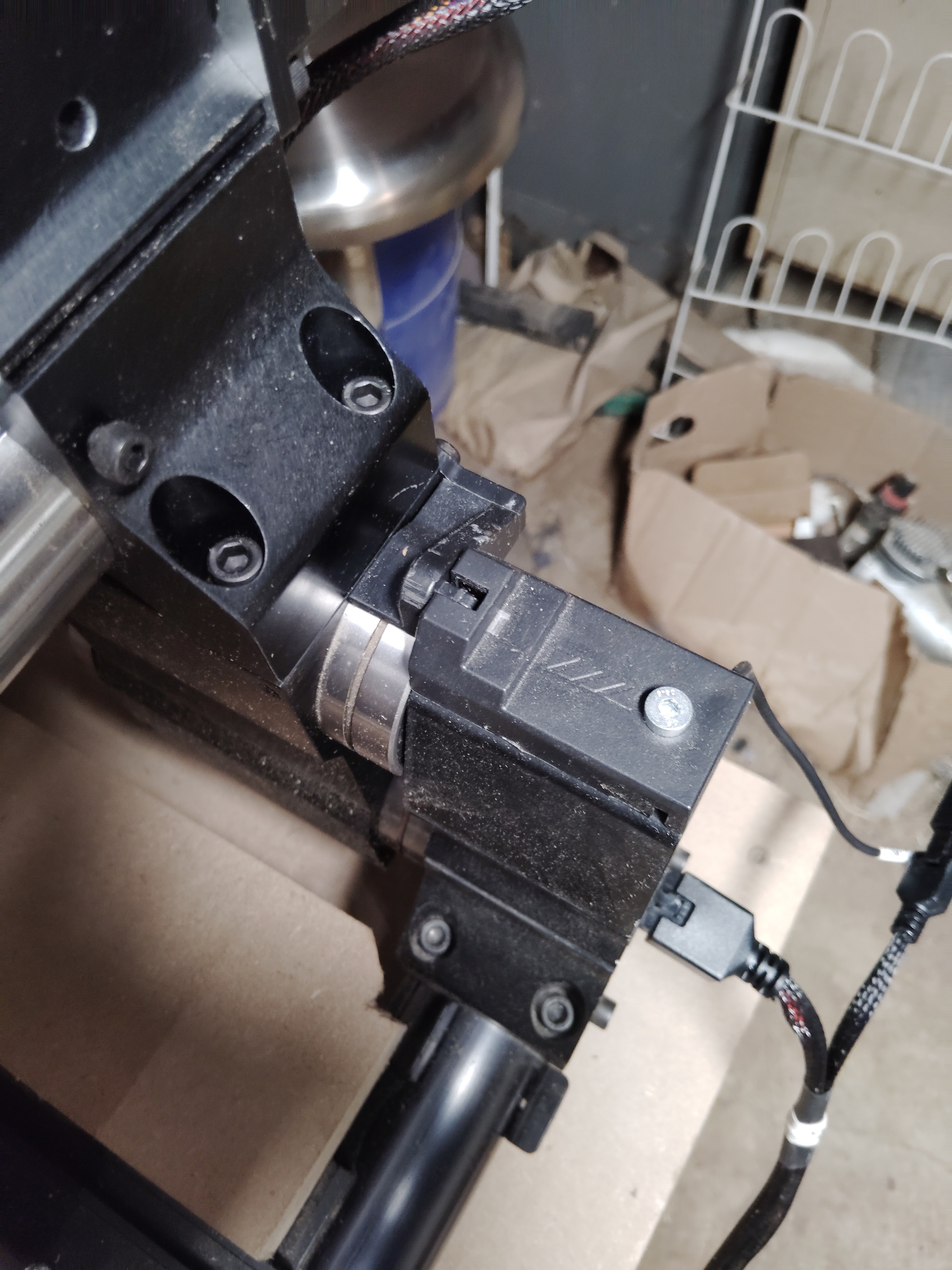
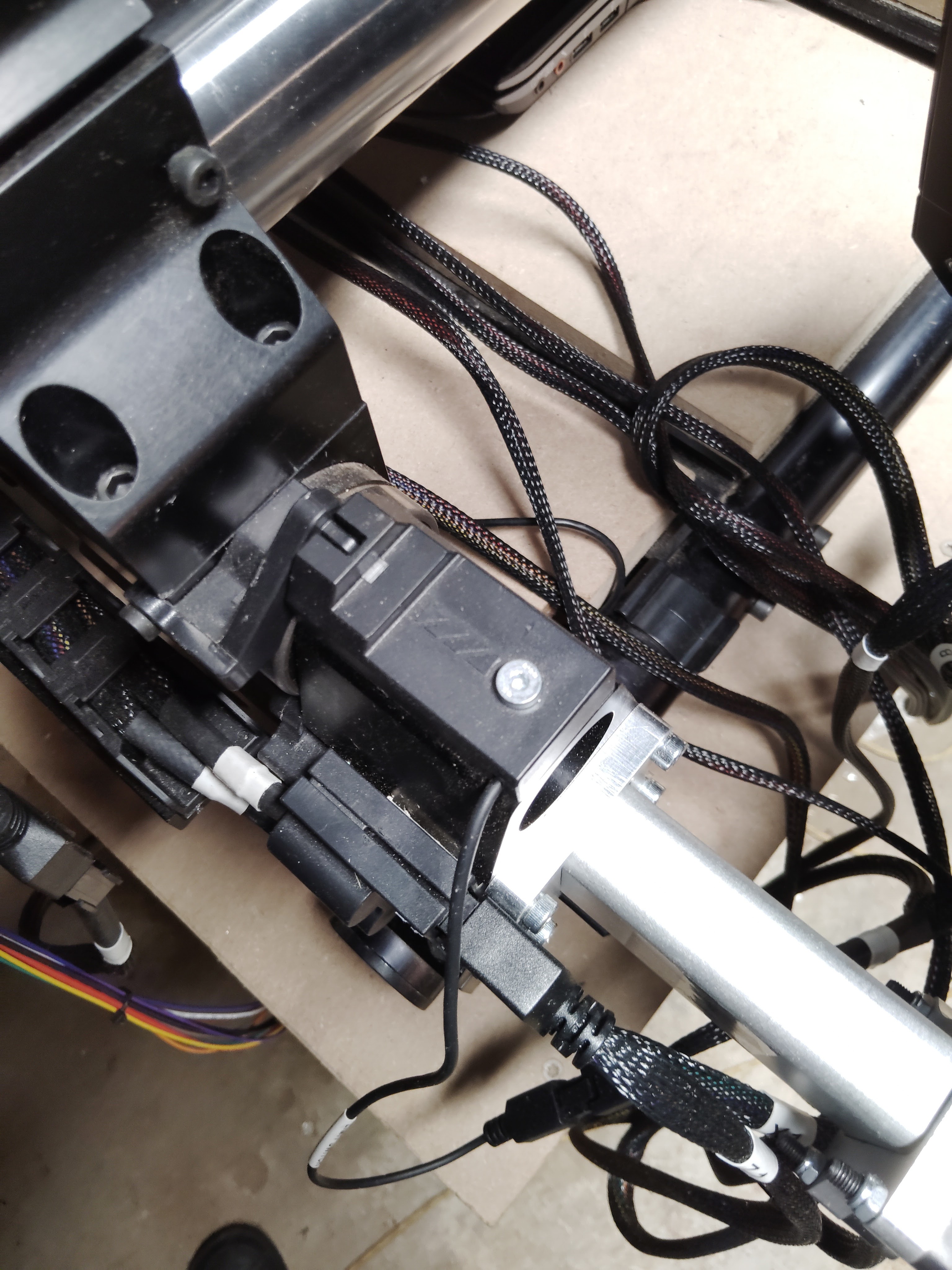
Welp, so much for the easy solution.
On a different note, based on these pictures, my $0.02 is that I would redo those zip ties on the Z axis homing sensor. That wire is getting pulled pretty tight and any snag on it could likely damage it.
I did that initially and ran the main cable through the slot in the plate on top of the Z-axis but ran the thin probe wire above the plate. Both together wouldn’t run through the slot and let the plate sit flat. I’ve since gotten an updated top plate for my Rowdy Roman vacuum hose boom and that one’s slot was bigger and works to allow both wires to pass through it.
Thanks, Calvin. That zip-tying was not of my doing. It’s the way things were presented, from the factory. But, I WILL take your suggestion under advisement, and see if it makes any difference.
Hello again, everyone.
I am (despite everyone’s willingness to help me) at the point where I am beneath any hope of conquering the unsavory conditions of my CNC’s issues. As had been previously mentioned, with B-motor removed, its ball screw rotated without issue. In replacing that motor back to its rail end, I was revisited by the same former issue. A while back, Onefinity Support suggested that I ‘back out’ (a bit) the four, long, securing bolts which secures the motor to its end block. I did try that, but found that the effort didn’t manifest even the slightest change, unless those four bolts were backed just about all the way out. In fact (and without exaggeration), I had to loosen those bolts to the point where the motor could be rocked, a bit, by hand. I have detached, and reattached all wire connections, with no change in matters. I also noticed that, with a short spell of power given to the machine, the top of the X-rail motor began to become warm. Is that proper?
It seems that the bottom line is for me to, hopefully, be able to set up a personal visit to the Onefinity Store location, in Newmarket, Ontario. At 130 miles from me, that’s about a two hour drive, which isn’t too bad. I’d just have to get an extended license, which would grant me passage into Canada. I’m going to contact Onefinity, after finishing this, and see what can be done about such hopes.
Again, my sincere gratitude to everyone who stepped forth in attempts at helping me.
God Bless All,
Nathan
Before that. does the motor rotate when disconnected from the ballscrew under power?
If not. it’s either the wiring or the motor.
To check the wiring is good swap the other Y axis motor and see if you get motion. If you do not it’s the wiring if you do its the motor
Hey Ken5 - No, that B-motor does not rotate under that condition. Also, the support team requested a video of my situation, and I (just now) sent it to them. For you all, I am going to do the same, here. Following, is the link: