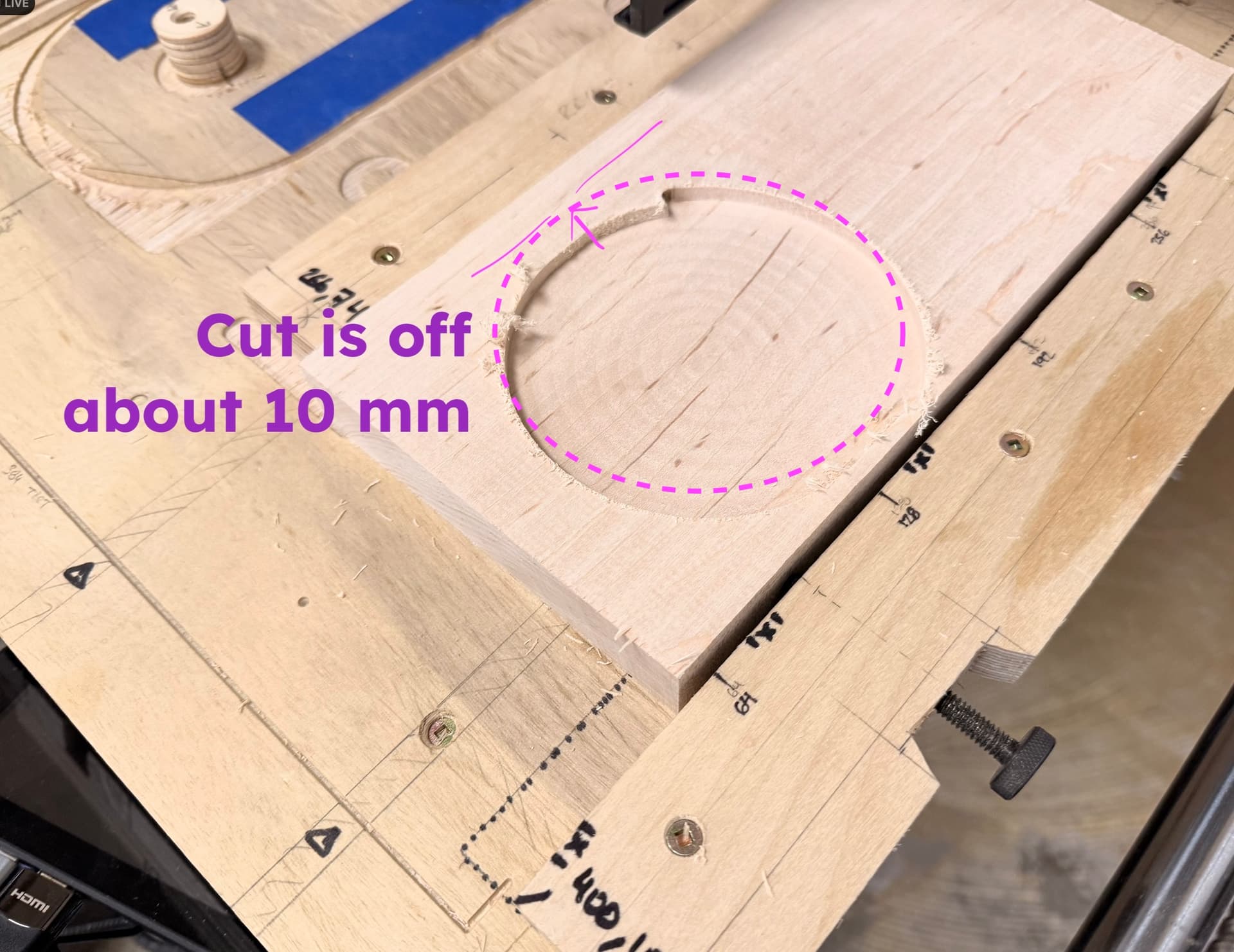
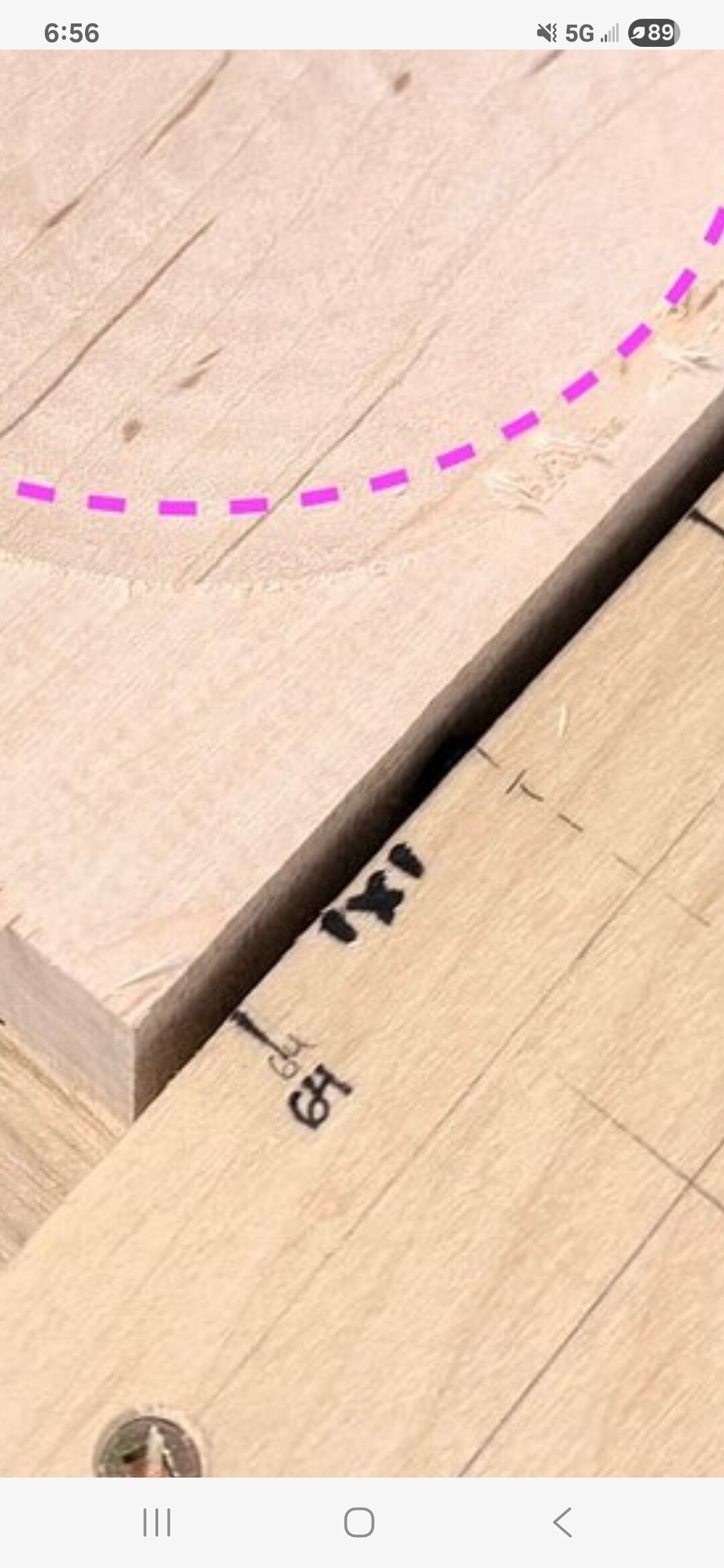
I’ve been facing some odd issues lately. During a cut the machine will be carving 10-15 mm off from where it’s supposed to be. Intermittently the touchscreen will go black, or it will start back up with the blue screen. Occasionally the cut gets off course.
The homing is fine and the Z zeroing is fine using the Touch Probe. My work is secured down well. Suck-It dust collection is working great. I’ve been using the machine regularly for about 4 months now. ESD hasn’t been a problem. I’ve been running around 100 in/min with a Makita router spinning about 18,000 RPM. I’ve used the machine and shop vac plugged in through 1 power strip. I’ve used it with the shop vac on a different socket. I’ve also used extension cords. We have industrial power to the workshop.
The main thing that’s changed is the type of wood I’ve been using. Instead of plywood or poplar, I’ve started using maple and walnut. The only thing I can think of is that the wood is more dense and the machine is working harder. So maybe it’s pulling more power through the 110V socket?
I’m not an electrician and don’t know how to calculate the loads, but this seems to be the most likely cause given the wood type has been the main variable that’s changed.
I went back and changed my cut speed down to 80 in/min and the last cuts went a lot better. The screen stayed on, the coordinates were accurate.
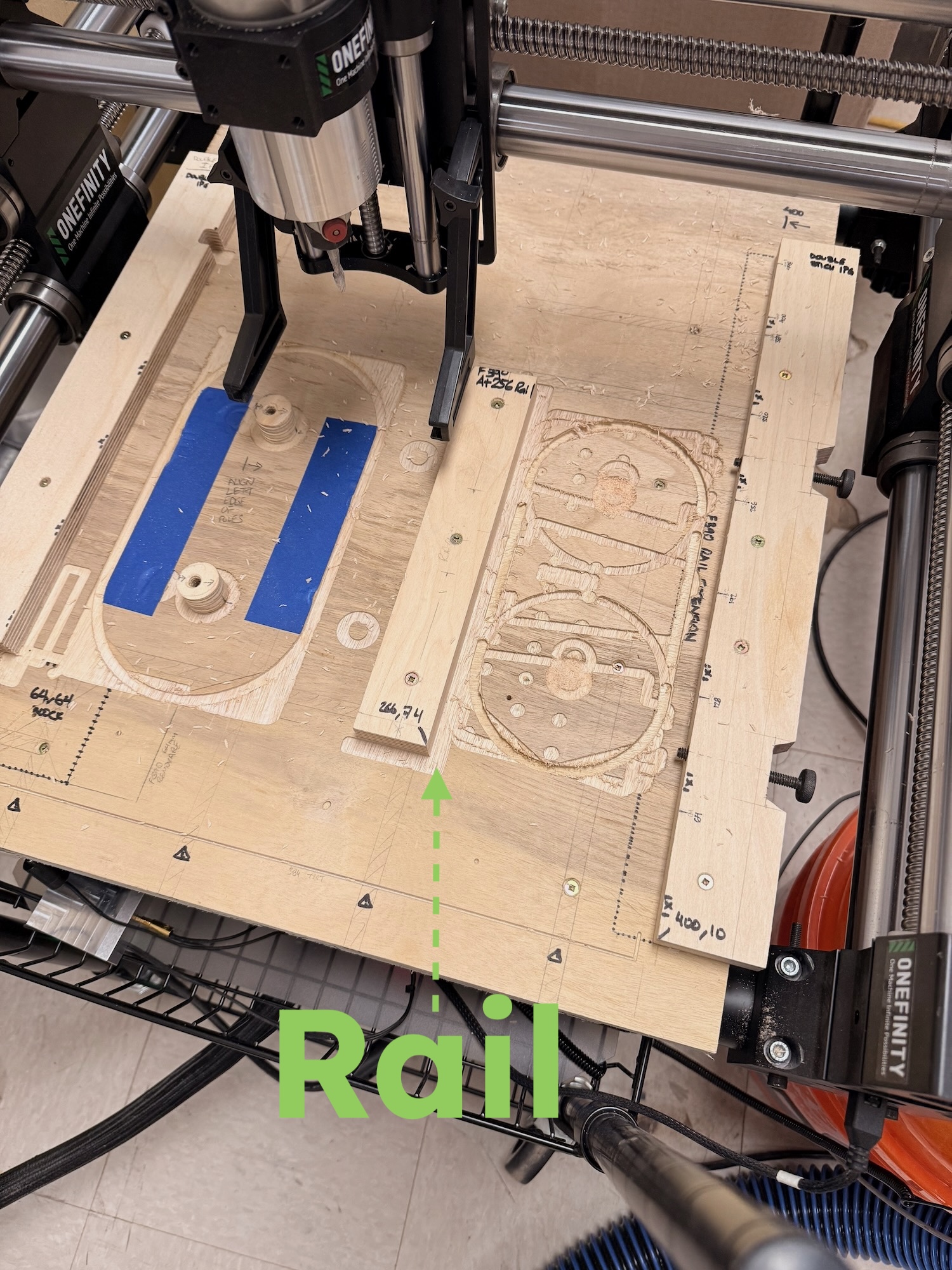
No, it’s supposed to be that way. I make wood blanks between 128mm-134mm wide. The left edge registers perfectly against a rail of my “spoil jig” (combo spoilboard and jig), the right edge is just a gap of whatever width the board is.
The problem was that the rail is exactly at 266mm from absolute 0mm. And occasionally the CNC lost track of the X or Y position and started carving well away from the rail.
I just ran another soft maple carving right now and going slower overall made a perfectly-registered cut. -shrugs-
I haven’t checked the outlets. You mean for grounding, or power fluctuations? Grounding is probably fine. Power may fluctuate a bit since there’s a lot of machinery.
The dust boot hose isn’t grounded but it is a Rockler Dust Right anti-static hose. I have a small cyclone separator bucket and I put an ESD strap on that and connected it to a ground plug.
I have read some of the ESD and grounding threads on this forum. I keep wondering if that’s the culprit? Is there a good way to check ESD build up?