Newbie here, sorry if it’s a little long. Please note that english is not my first language so some terminology might not be right.
I have an Elite Journeyman purchased a year ago with Masso controler, Masso pendant, touch probe and tool setter. All worked fine under software version 5.07. but besides some basic projects and slab levelling, I didn’t use it much.
I recently purchased the rapidchange ATC and the Redline spindle / VFD and started installation yesterday. Everything hardware related is installed as instructed per Onefinity and I’m pretty sure it’s all good. When it came to configuration I realized I was behind regarding software updates and, like a fool, just went ahead and installed version 5.13 (no back-up since I didn’t realize I might have needed one). That’s where the story begins…
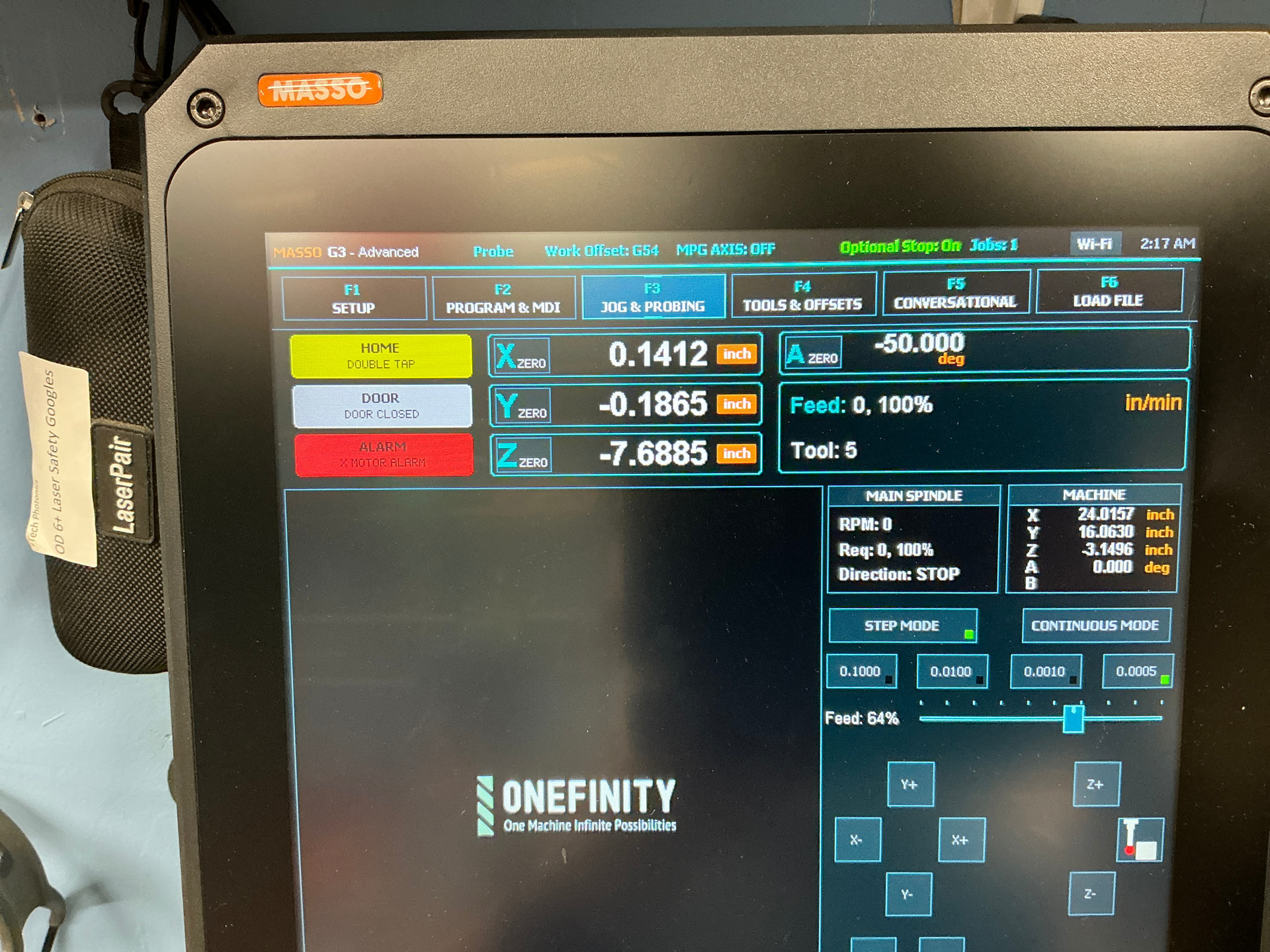
After installation of version 5.13, I was not able to home and it’s like my tool setter settings were gone. After reading some treads, I realized this upgrade was not relevant for me and decided to go back to version 5.10 - the Masso version related to the ATC. As of now, nothing works anymore and I’m going crazy. I can’t even jog on X and Y axis (Z works though, although limits are weird). I feel the motors work but nothing moves. I tried all kinds of settings in F1 watching youtube videos but I think I simply dug a deeper hole.
My question is… can I just go back to factory settings and reinstall all my tools as I did originally. I probably didn’t search properly but I can’t find a way to simply go back to when I first got my machine and start over.
I hope I made sense but feel free to ask anything that could clarify my situation.
Thanks, I clearly missed step 2 and 3. I’ll do that as soon as I get back home. Should I go right to step 2 or should I start all over and reinstall 5.10 or 5.13 first?
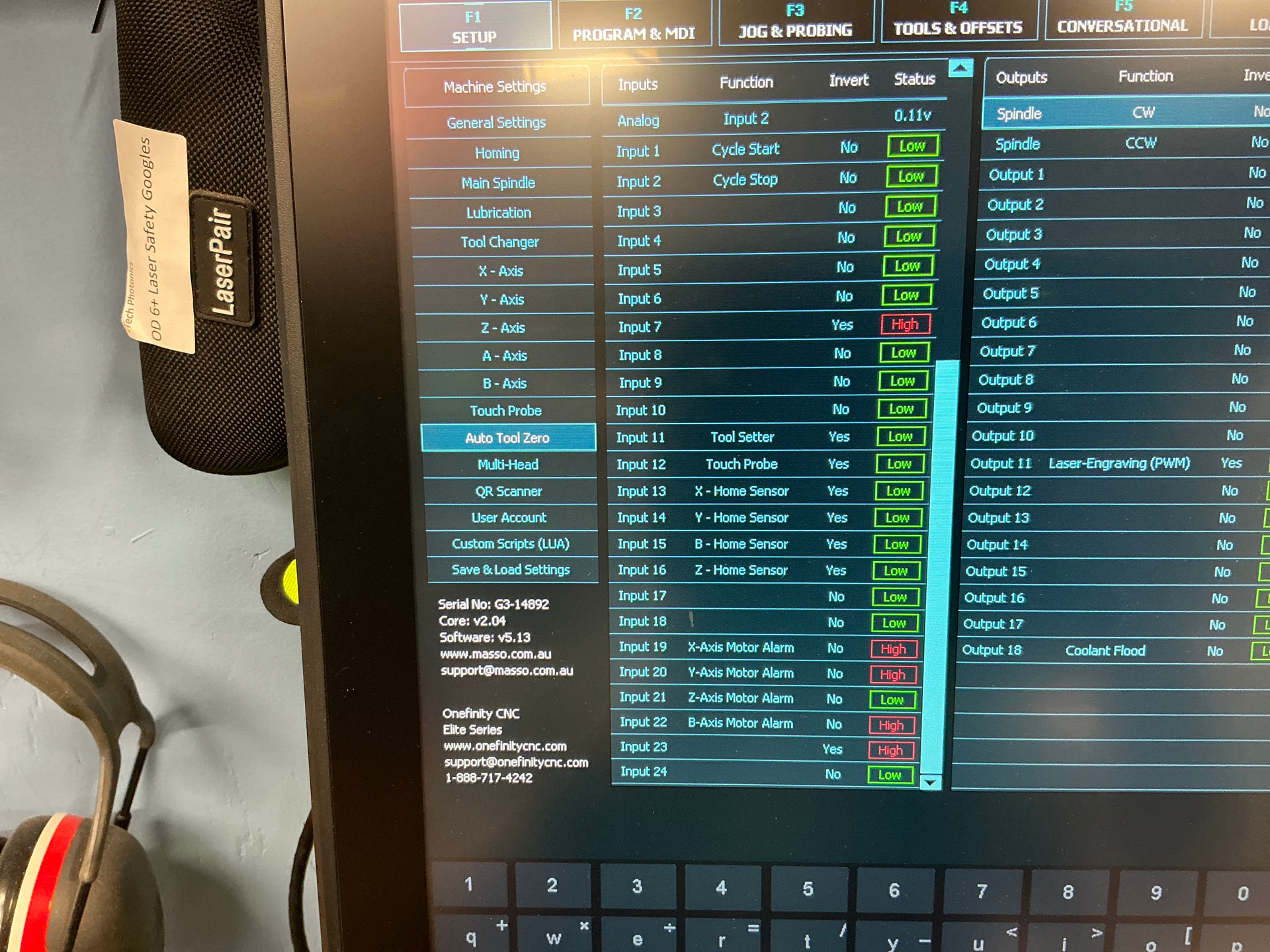
So, I reinstalled 5.13 and then adjusted the switches on the motors, rebooted and did 3#. I came back with a Y hard limit alarm (and many inputs in F1 were “high”). Since X and Y were homed, I unplugged the machine to be able to move both axis manually towards the middle of the bed, plugged again and started the controller but now the screen stays black. I plugged / unplugged A couple of times but the screen stays black
Start by fully powering off the MASSO, wait a few seconds, then power it back on. If a proper restart doesn’t do the trick please remove all USB devices such as flash drives and keyboards, a faulty USB device can stop the system from booting properly and cause a black screen. Please also make sure the MASSO is receiving a stable power supply with the correct voltage.
If by any chance the system was interrupted during the software update or the firmware had become corrupted, it may fail to start, and in that case you may need to reload the software again using the recommended MASSO procedure mentioned below.
If the screen is still black after trying these steps, there may be a hardware or firmware issue that will need assistance from the MASSO technical team at support@masso.com.au. They will be able to dive deeper and pinpoint the issue.
I found a 2023 thread on Onefinity forum on how to check voltage and my reading is 0. I checked all the fuses again and they are all ok. There is power coming in the box and there is power going to the motors. I will send an email to Masso support and go the “official” for the next few steps.
I hope this thread is still active. After changing the power box which was defective and causing the black screen issue I’m kinda back to square one. Here’s what I wrote before the black screen issue:
“…I reinstalled 5.13 and then adjusted the switches on the motors, rebooted and did 3#. I came back with a Y hard limit alarm (and many inputs in F1 were “high”)…”

 . I think i’m cursed